How to handle GDPR retention for transactional email logs
Learn how to handle GDPR retention for transactional email logs with purpose-based periods, field minimization, and deletion rules.
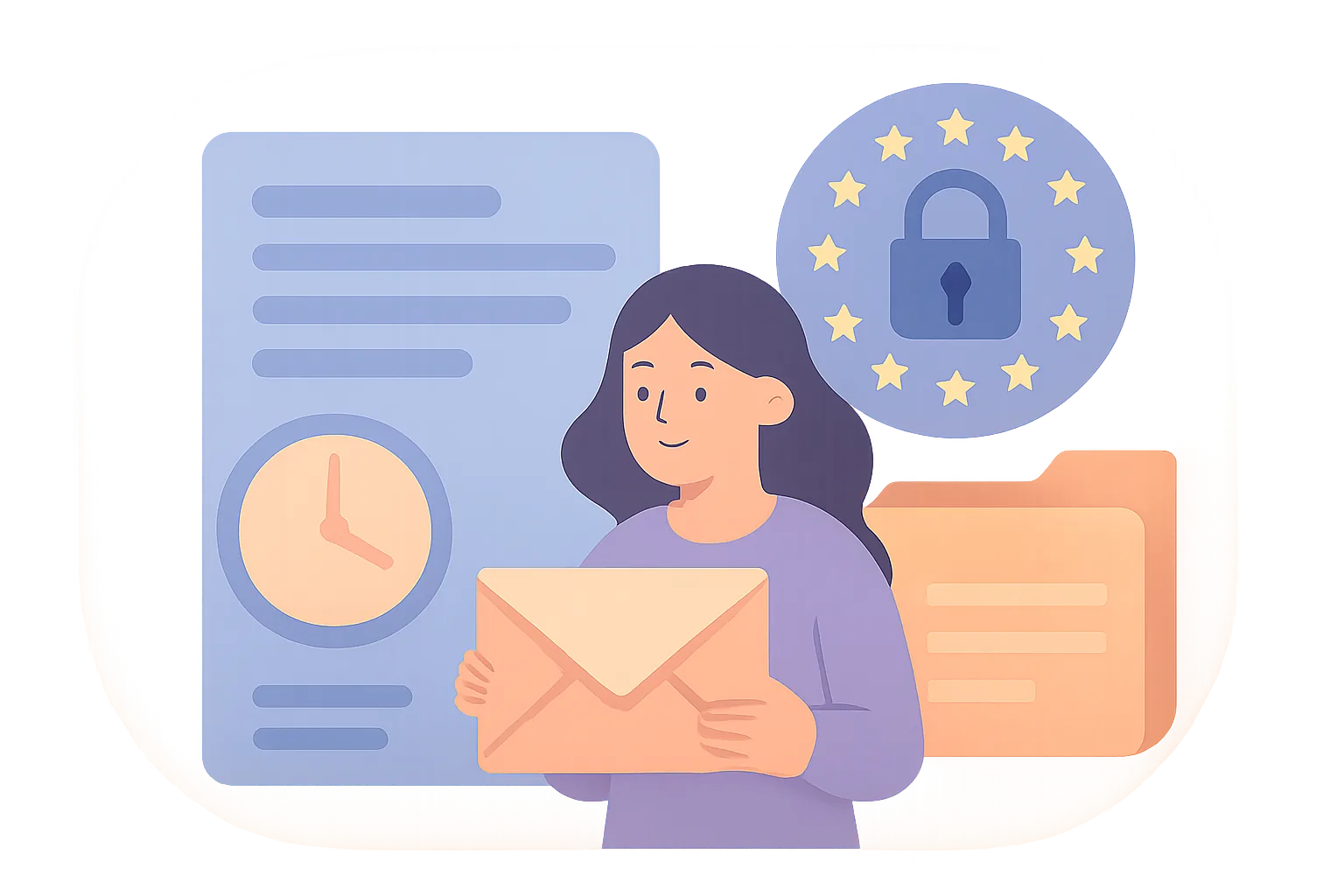
Transactional email logs look harmless until you list them one by one. A delivery event can reveal a timestamp, a recipient address, a message ID, and a system route. A bounce record can expose even more. That is enough to make retention decisions messy, because the logs are useful for operations and still count as personal data in many cases.
The first mistake is treating every log as the same thing. A password reset log is not a newsletter click log, and a provider audit trail is not a support screenshot pasted into a ticket. If your team sends order confirmations, account alerts, and one-off security notices, you need to know exactly which records exist, where they live, and who can see them.
1. Define which transactional email logs are in scope
Start with the small list that teams miss: delivery events, bounce records, complaint flags, suppression entries, and provider audit trails. Those five buckets usually show up in different tools, which is why they get treated as harmless clutter. They are not. A complaint flag tied to an address can still identify a person, and a suppression entry can tell you something sensitive about contact history.
Write the scope in plain language. For example, “delivery logs from the ESP dashboard,” “bounce exports in CSV form,” and “support notes with copied message IDs.” That kind of list is better than a vague line about “email logs,” because it forces the team to see where the data actually sits. One overlooked spreadsheet can break the whole policy.
Use numbers in the inventory. Count the systems, count the log types, count the teams that touch them. If you have 4 log sources and 7 people with access, say so. The inventory becomes actionable only when someone can point to a named source and say, “This one belongs here.”
2. Separate operational logs from personal data before setting retention
Not every field in a log needs the same treatment. An internal delivery code may be needed for debugging, while a full recipient address may not be needed once the message is confirmed delivered. The task is to separate what supports the business function from what only adds risk. That can mean reducing a field, hashing it, or removing it after the first 24 hours.
Ask three direct questions for each field: does it help prove delivery, does it help investigate fraud, and does it belong in the record after that issue is closed? If the answer is no to all three, retention is usually a habit, not a necessity. A receipt timestamp may matter for an invoice dispute. The subject line usually does not.
There is a practical side to this. A support agent may need the last 4 characters of a message ID, not the whole payload. A security analyst may need a sender domain, not the recipient name. This is where how to handle GDPR retention for transactional email logs stops being a policy paragraph and becomes a field-by-field editing job.
3. Tie each log type to a specific retention purpose
Blanket periods cause drift. A single “keep all logs for 12 months” rule sounds tidy, but it mixes incident troubleshooting, proof of delivery, and security monitoring into one bucket. That makes it harder to justify keeping anything after the business need ends.
Instead, assign a purpose to each log type. Delivery events may support ticket resolution for 30 days. Bounce records may support list hygiene and retry logic for a shorter period. Complaint flags may need longer retention if they feed abuse prevention, but they still need a reason, not a guess. The purpose should be specific enough that another person can read it and understand why the data remains.
Put the purpose next to the retention period in a note. One line is enough. “Store bounce logs for 90 days for delivery troubleshooting and rate-limit analysis.” That sentence is not legal poetry. It is a working rule. If someone cannot explain the purpose in one sentence, the retention period is probably too broad.
For teams that already maintain email event tracking, it helps to connect the purpose note to the data flow. If you need a model for event handling, the guide on लेन-देन ईमेल के लिए ईमेल वेबहुक shows how events move from provider to internal systems, which is exactly where retention choices start to multiply.
4. Build a retention matrix for your email platform and downstream tools
A retention matrix sounds formal, but it can be a simple table with six columns. Include the system, the log type, the purpose, the retention period, the deletion owner, and the storage location. If you skip the storage location, you will miss copies in exports and backups.
| System | Log type | Purpose | Retention period | Owner | Notes |
|---|---|---|---|---|---|
| ESP dashboard | Delivery and bounce events | Support and troubleshooting | 30 days | Ops | Review exports monthly |
| SIEM | Security-related logs | Fraud detection | 90 days | Security | Mask recipient address where possible |
| Support desk | Attachments and screenshots | Issue resolution | Case-based | Support | Delete after closure unless hold applies |
The matrix should cover downstream tools, not just the ESP. Logs often flow into analytics dashboards, ticketing platforms, SIEM systems, and shared drives. A record deleted from the email provider may still live in a support export for another 180 days. That is where retention fails in practice: one system obeys, three others forget.
Do a copy check. Name the exact places where logs land, and list the export paths. If the platform sends webhook data into a warehouse, that warehouse needs its own retention line. If a contractor stores CSV files locally, that local copy needs a rule too. One copy is enough to create a problem.
5. Set up deletion rules for high-volume log streams
High-volume streams need automation. Nobody should be manually deleting bounce logs every Friday. Set rotation rules, purge schedules, or age-based deletion in the source system, then confirm that the deletion is actually removing records and not just hiding them from the dashboard. Hidden data still counts as stored data.
Field-level masking helps when you need the event but not the identity. You can keep a message status and strip the recipient name after the troubleshooting window closes. You can also truncate IP addresses or message IDs if the full value is no longer required. The goal is not drama. The goal is to keep the record useful for the shortest defensible time.
Watch for archive behavior. Some platforms move logs into long-term storage by default, and no one notices until a request comes in. That is why deletion rules need a test case. Create one message, wait for the retention window, and verify that the record disappears from the live system, the export bucket, and any search index.
If your team cares about message quality as well as retention, the ईमेल डिलीवरबिलिटी सर्वश्रेष्ठ प्रथाएँ · YourTrend guide is useful for understanding why some logs exist in the first place. Better delivery data means fewer unnecessary copies later.
6. Handle legal hold and dispute exceptions without over-retaining
Legal hold is not a license to freeze everything. It should apply to a specific record set, a specific reason, and a specific time frame. If a dispute concerns one order, you do not need to pause deletion for every transactional log from that month. Scope matters more than volume.
Document the trigger for the hold. Name the case number, the message IDs, and the date the hold began. Then name the release condition. Without that, holds tend to survive forever, usually because no one wants to be the person who turns them off.
Keep the hold narrow. A single complaint email may justify preserving the related delivery event, the bounce response, and a short audit trail. It does not justify keeping the entire recipient database. That distinction matters, and auditors tend to ask for it.
This is where teams often need advice on how to handle GDPR retention for transactional email logs during disputes, because the pressure to keep “everything just in case” is strong and usually unnecessary. A narrow hold is easier to defend than a broad one.
7. Document your retention decisions for audits and vendor reviews
Auditors rarely ask for theory first. They ask for evidence. Keep the retention rationale, the system owner, the deletion schedule, the processor instructions, and the review date in one place. That record does not need to be long, but it does need to be current.
Vendor reviews need the same level of detail. If your ESP says it keeps logs for 60 days, and your internal policy says 30 days, you have a mismatch that needs a decision. Either the vendor setting changes, or your policy changes, or you write down why the difference is acceptable. Silence is not a strategy.
Use a simple version history. Note the date of each review and the reason for the change. One line like “2026-03-01: switched support exports to 14-day retention after ticket volume dropped” is better than a polished paragraph that no one updates. Records age quickly. Policies age with them.
If your company also tracks marketing and unsubscribe behavior, you may already have a compliance process worth reusing. The article on ईमेल ट्रैकिंग और गोपनीयता अनुपालन can help your team think about evidence, consent, and logging in the same breath instead of as separate chores.
8. Recheck retention after template, provider, or workflow changes
Retention is not a one-time policy draft. A new email template can add a new field. A new provider can create a new export path. A webhook setup can start writing copies into a system no one put on the matrix. Every one of those changes should trigger a fresh retention review.
Set review points for three events: template changes, sender infrastructure changes, and workflow changes. A template with embedded personalization may store more personal data than the older version. A provider switch can change default retention without warning. A workflow that sends logs to a data warehouse can silently create a second archive. Small changes cause large retention problems.
Ask one practical question after each change: did any new field appear, and if so, who owns its deletion? That question catches more mistakes than long meetings do. It also keeps the team focused on the record itself, not the surrounding process.
One final check helps: compare the new data flow against the old matrix, line by line. If a field is new, add a purpose before it lands in production. If a copy path is new, add the deletion rule before the first message is sent. If a webhook now includes complaint flags, that field needs the same retention review as the original delivery event. Small changes are where the missing records hide.
在此页面
← 所有文章一键操作。它告诉我们接下来该写什么。
尚无评分 — 您的将是第一条。
评论
评论在显示之前会被阅读。