 Skip to content
Why Are Webhook Retries Causing Duplicate Messages?
Learn why are webhook retries causing duplicate messages and how IDs, delivery metadata, and slow acknowledgements reveal the real cause.
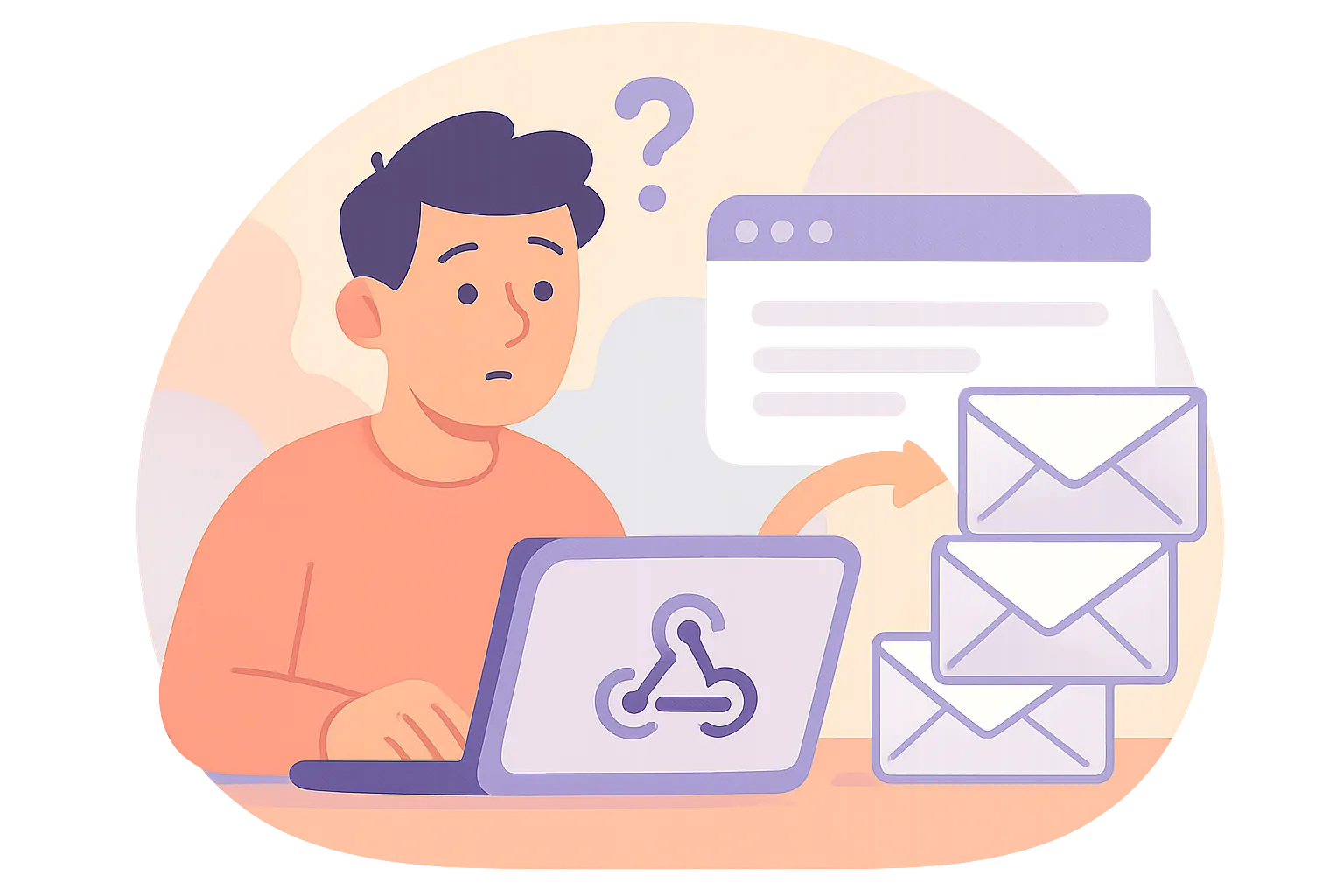
Webhook retries are useful until they are not. One missed timeout can turn into two messages, then three, and suddenly the same order update, password reset, or shipping notice appears more than once. That is where the question "why are webhook retries causing duplicate messages" stops being abstract and starts costing time.
The first mistake is assuming every repeated message means the sender is broken. Sometimes the sender retried exactly as designed. Sometimes your receiver answered too slowly. Sometimes a queue, worker, or log replay created the extra copy after the webhook already arrived once. Those are different problems, and they need different fixes.
Are these duplicates coming from retries or from separate webhook events?
Start with the simplest test: compare the payloads. If two deliveries share the same event ID, same delivery ID, or same signature metadata, you are probably looking at one event delivered more than once. If the business data is similar but the IDs differ, the sender may have created two real events, such as two checkout actions or two status changes.
Do not trust the timestamp alone. Two deliveries arriving 12 seconds apart can still be the same event, while two messages arriving in the same second can still be separate events. A retry loop and a real double event can look nearly identical in an inbox, which is why the IDs matter more than the human eye.
There is a practical clue here. If your support team sees duplicate email alerts, but your webhook logs show one original event and one retry with the same delivery metadata, the problem is likely in transport. If the logs show two distinct payloads with different event IDs, the duplicate is upstream. That distinction saves hours.
Which retry behavior is the sender actually using?
Different providers handle retries in different ways. Some retry automatically after a timeout. Some let an operator click resend. Some redeliver after a temporary failure code. A few do all three. If you do not know which one is active, your duplicate message hunt will wander in circles.
A manual resend usually leaves a human-shaped trail: a dashboard action, a ticket note, or a support case. Automatic retries tend to follow a pattern, often with increasing gaps between attempts. Provider-side redelivery policies can be quieter, because the sender may treat a network failure, DNS issue, or 5xx response as a reason to try again without anyone touching the dashboard.
Ask for the sender's retry policy in writing. One provider may retry for 24 hours; another may stop after 3 attempts; another may treat any non-2xx response as a failure. That matters because a message that "duplicates" after 15 minutes might simply be attempt 4 of the same delivery.
What makes one webhook delivery look like multiple messages downstream?
The webhook may be fine. The duplication can happen later. A single delivery can fan out into a queue, then into two consumers, then into a retryable job, and finally into two outgoing notifications. The original webhook was one message; your system made it look like several.
That is especially common when the handler writes to a queue before it commits a database record, or when two workers both consume the same job after a visibility timeout. One webhook becomes multiple downstream actions because the internal state was not locked down. The result feels like the sender retried, but the real duplication happened inside your own stack.
Look at where the first side effect happens. Was the email sent before the database insert? Was the invoice marked paid after the notification job started? Was the job requeued because the worker crashed at the wrong moment? Those details matter more than the headline error.
How can payload IDs and delivery metadata reveal the real cause?
Payload IDs are your best evidence. Event ID, delivery ID, attempt count, request signature, and provider timestamp can show whether one webhook was replayed or whether several separate events were emitted. If the sender includes an attempt counter, a delivery number, or a request hash, save it in logs and in your database.
Build a small comparison table if needed. Three columns are enough for a first pass: the payload identifier, the delivery metadata, and the business action taken. When the same event ID appears twice, but your system only acted once, the retry may be harmless. When the same event ID appears twice and your system acted twice, you have a deduplication gap.
| Field | What it tells you | Common clue |
|---|---|---|
| Event ID | Whether the webhook event is the same | Same ID, repeated delivery |
| Delivery ID | Which transport attempt reached you | Different delivery IDs, same event |
| Attempt counter | How many tries the sender made | Higher number after timeout |
| Signature | Whether the body changed in transit | Mismatch suggests altered payload |
Signs of a true duplicate are often boring, which is good. Same payload, same IDs, same action, repeated delivery. Signs of separate events are messier: close timestamps, similar content, but different IDs or different source records. That is the difference between a retry problem and a product problem.
Why do slow acknowledgements often trigger duplicate deliveries?
Most webhook senders wait for a fast 2xx response. If your server hesitates for 8 seconds, times out at 10, or returns a connection reset, the sender may not know whether the message was processed. So it retries. From its point of view, retrying is safer than losing the event.
This is why a delivery can succeed and still be retried. The network can fail after your app has already written the record, or the response can be delayed just long enough for the sender to assume failure. One late response is enough. The sender does not have perfect visibility into your internal state.
A slow database query is enough to start the chain. So is a cold container, a blocked thread, or a queue that waits before returning success. If the webhook endpoint does anything heavy before it acknowledges receipt, duplicate messages become more likely. That is a transport problem, not a content problem.
If you want a related pattern, the article on Email Webhook Events for Transactional Emails covers the same idea in email event handling, where timing and acknowledgement shape what gets delivered next.
What if your receiver processed the event but still returned a failure?
This is a nasty one. The webhook can create the order, send the notification, or update the customer record, and then throw an exception while building the response. The sender sees failure. It retries. Your system now has two side effects from one event, and the logs may disagree on which step failed first.
That is why partial failures need special attention. A handler that saves the message and then crashes before returning 2xx may have done the real work already. The sender, blind to that fact, does what it was programmed to do. If you are asking why are webhook retries causing duplicate messages, this is one of the most common answers.
Check the code path after the side effect, not only before it. Did the handler write to the database and then fail on a metrics call? Did it publish to a queue and then timeout while formatting JSON? Did it send an outgoing email and then raise a validation error? Small failures can have large duplicate effects.
How do you stop retry-driven duplicates without losing events?
Idempotency is the practical answer. Store a unique key for each event, and reject repeats before they can trigger a second action. That key might be the event ID, a provider delivery ID, or a combination of source and message hash. The important part is that the same webhook should map to the same stored outcome.
Do the deduplication check and the write in one atomic step if you can. If the check happens first and the insert happens later, two workers can race and both believe they are first. A database unique constraint is often simpler than custom memory caches, and it survives restarts. Small design choices matter here.
Use a short deduplication window only when the sender’s retry policy is short and well known. If the provider retries for hours, a 5-minute cache is not enough. If the event can arrive days later, your dedupe store has to last longer than your memory of the incident.
For teams handling both event delivery and customer communication, Email Authentication Setup Guide: SPF and DKIM Explained is a useful companion, because the same mindset applies: confirm identity first, act second, and do not trust a single signal in isolation.
Send the 2xx response only after the event is safely recorded. That does not mean the full business workflow must finish before acknowledgement. It means the receiver should preserve the event in a durable place, then process it asynchronously. That way the sender sees success once, while your worker can retry safely without re-accepting the same event.
When should you raise visibility into repeated webhook attempts?
Log repeated attempts from day one. Do not wait for a user report. A simple log line with event ID, delivery ID, attempt number, response code, and processing time can reveal a retry storm before it spreads into emails, invoices, or text messages. One alert at the right time beats ten support tickets later.
Set an alert when the same event ID appears more than once in a short window, or when a single source sends a spike of retries after a release. That spike can mean timeouts, expired certificates, a bad deploy, or a downstream dependency that slowed down just enough to trigger retries. The sooner you see the pattern, the fewer duplicate messages you have to clean up.
Keep one eye on the receiver and one on the sender. If the provider dashboard shows 7 attempts but your app logs only 2, the missing 5 may be network-level failures. If your app logs show 7 accepted events for one ID, the problem is inside your dedupe path. Either way, the number tells you where to look next.
And if the duplicates are tied to alerts or notifications rather than webhooks alone, the same discipline applies to downstream messaging, especially when a second system reacts to the first one without checking whether the first message was already processed.
On this page
← All articlesOne click. It tells us what to write next.
No ratings yet — yours would be the first.
Comments
Comments are read before they appear.