What Email Inbox Placement Means
Learn what email inbox placement means, why emails go to spam, and how authentication and list quality improve results.
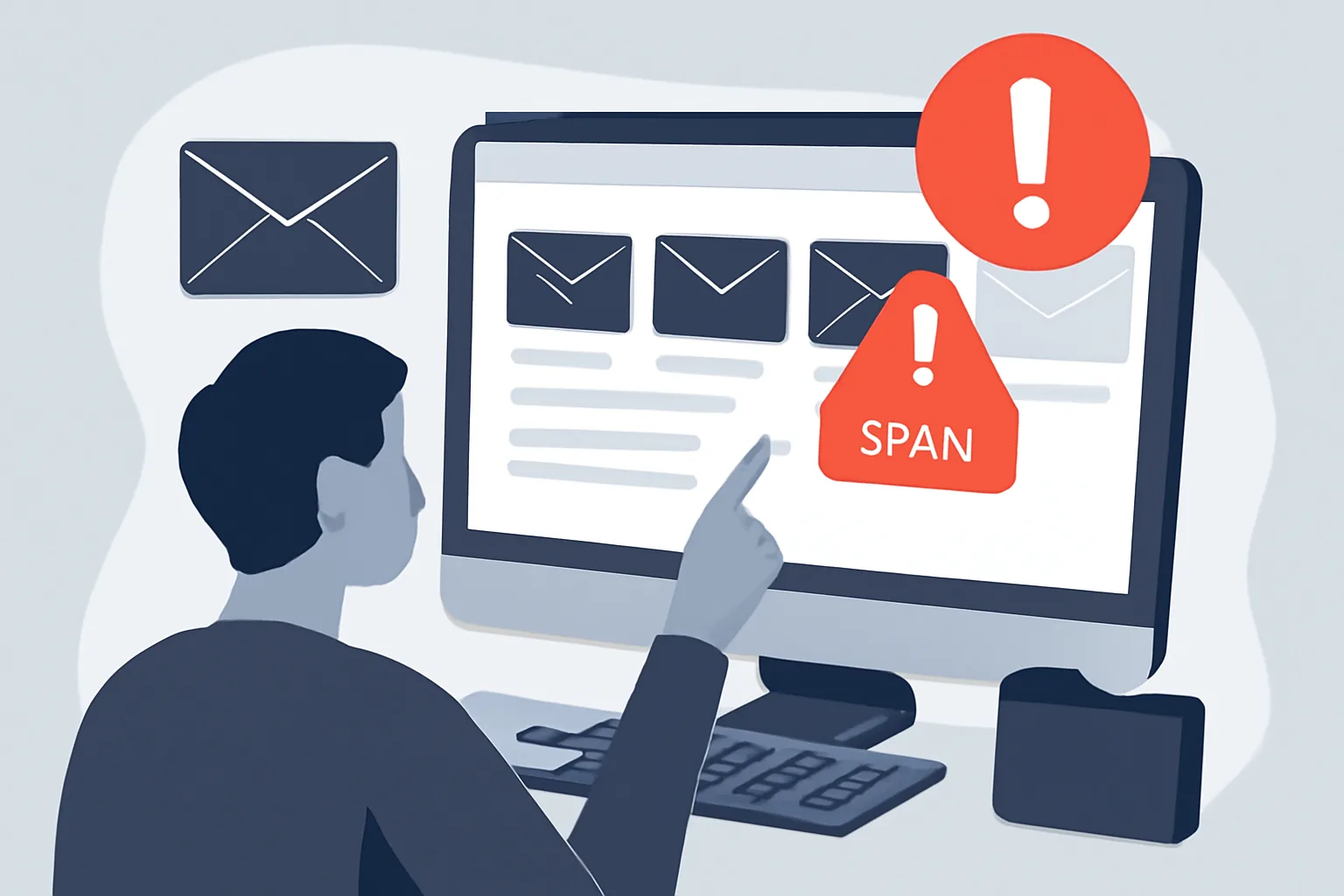
Email inbox placement is the simple but crucial question behind every campaign: when a message is sent, where does it actually land? In the inbox, in the promotions tab, or in the spam folder? That distinction matters because a sent email is not the same thing as a seen email. You can have a perfectly timed campaign, strong copy, and a good offer, but if the message misses the inbox, the rest barely gets a chance to work.
In practical terms, inbox placement is about visibility, and if your email reaches the primary inbox, it has a real opportunity to be opened, read, clicked, and acted on. If it lands in spam, most recipients will never see it. That one difference can change open rates, click-throughs, replies, and even future sender reputation, since mailbox providers watch how people respond to your messages over time.
This is why inbox placement is more than a technical detail. It sits at the center of email performance. Good placement supports engagement, and engagement, in turn, tells mailbox providers that your messages are wanted. It becomes a feedback loop, for better or worse.
Email Deliverability vs. Inbox Placement
People often use deliverability and inbox placement as if they mean the same thing, but they are not identical, and email deliverability usually refers to whether a message successfully reaches a recipient’s mailbox system at all. Inbox placement asks a more specific question: once it gets there, does it land in the inbox or somewhere less useful?
That distinction is important because an email can be “delivered” and still be effectively buried. Some providers count a message as delivered once it passes initial acceptance checks, even if the message is later filtered into spam or another folder. So a campaign may appear to have decent delivery numbers while still suffering from weak inbox placement.
For marketers and product teams, this can be misleading, and a message that reaches the spam folder is technically not lost, but for most practical purposes it might as well be. If the goal is reads, clicks, and replies, inbox placement is the metric that matters most.
If you build transactional or application-based email flows, the underlying infrastructure can matter just as much as the content. For a deeper look at application sending patterns, see SMTP relay setup for node.js.
Why Emails Go to the Spam Folder
There is rarely one single reason an email ends up in spam. More often, mailbox providers combine several signals and make a judgment call. Some signals point to a trustworthy sender; others suggest the opposite, and the system is not perfect, but it is consistent enough to punish sloppy sending habits.
One of the biggest factors is sender reputation. If a domain or IP has a history of sending unwanted mail, poor engagement, or high complaint rates, future messages may be filtered more aggressively. Reputation is built over time, and it can deteriorate quickly when sending patterns change abruptly.
Authentication problems are another common cause. If SPF, DKIM, or DMARC are missing or misconfigured, mailbox providers may have less confidence that the message is genuine, and that does not automatically send every email to spam, but it can make a bad outcome more likely.
Content matters too. Certain wording, misleading subject lines, excessive punctuation, or a suspicious mix of links and images can trigger filters. Even if the message is honest, it may still resemble the kinds of emails that spam systems have learned to distrust.
Low engagement is another quiet problem. If recipients rarely open, delete, or move your emails to spam, mailbox providers notice, and if they do the opposite and consistently open, reply, or save messages, that helps too. List quality sits underneath all of this. A tired list full of inactive or uninterested contacts will usually underperform.
Authentication and Technical Setup
Authentication is the backbone of modern email trust. SPF, DKIM, and DMARC each play a different role, and together they help mailbox providers verify that a message is really coming from the domain it claims to represent.
SPF, or Sender Policy Framework, lists which servers are allowed to send mail on behalf of a domain. If an email comes from an unapproved source, it may fail SPF checks. DKIM, or DomainKeys Identified Mail, adds a digital signature that lets the receiving server confirm the message has not been tampered with in transit, and dMARC then ties those results together and tells the receiving server how to handle failures.
Just as important is domain alignment. In plain terms, alignment means the visible sender details and the authenticated domain should tell the same story. If the From address, return path, and signing domain appear disconnected, the message may look less trustworthy to filters.
For teams using programmatic sending, these details can be easy to overlook during setup. But even a good message stream can struggle if the technical foundation is weak. If your app sends mail through a relay, make sure the sending path is configured cleanly and the authentication records match that architecture. A useful companion read is SMTP relay setup for node.js.
It is worth saying plainly: authentication does not guarantee inbox placement. It only removes a major source of doubt. Think of it as a ticket through the door, not a reserved seat.
List Quality and Subscriber Behavior
List quality is one of the most underrated parts of inbox placement. A large list looks impressive in a report, but if the contacts are disengaged, outdated, or never opted in properly, the list becomes a liability, and permission-based sending is still the cleanest foundation. People who asked to hear from you are far more likely to open, click, and keep your messages out of spam.
Purchased lists are a fast route to trouble. They often contain old addresses, spam traps, and people who never expected contact from you. Even if the first send appears to go through, the long-term damage can be serious. Mailbox providers are unusually good at noticing when senders push mail to people who never asked for it.
Inactive subscribers deserve attention as well. If someone has not opened or engaged in a long time, continuing to send them every campaign can weaken your overall reputation, and some senders use re-engagement campaigns; others suppress stale contacts after a period of inactivity. The exact approach depends on the business, but the principle is the same: send to people who still have a reason to care.
Engagement signals are powerful because they come from real behavior. Opens matter less than they once did because of privacy features, but clicks, replies, forwards, and positive interactions still help tell a mailbox provider that your mail is welcome. On the other hand, deletions without reading, spam complaints, and silence across large segments can push you in the wrong direction.
Good list hygiene is not glamorous, but it saves a lot of trouble. Regularly removing hard bounces, suppressing complaints, and checking for unengaged contacts can improve inbox placement more than a dramatic redesign ever will.
Content and Design Best Practices
There is no secret phrase that guarantees the inbox, but there are plenty of choices that can make filters nervous. Subject lines are the obvious place to start. Overly sensational language, fake urgency, or vague bait-and-switch wording can hurt trust before the email is even opened. A clear subject line usually performs better than a flashy one that feels manipulative.
The body of the email should look and read like something a real sender would write to a real person, and that means clean formatting, sensible paragraph length, and a tone that matches the relationship. If every line looks like a sales pitch, or if the message is packed with repeated phrases, it may resemble the kind of bulk mail filters were built to catch.
Link usage matters too. A message with too many links, especially if they lead to unrelated or unfamiliar domains, can look suspicious. Shortened links may also create friction with some filters. Use links where they help the reader, not as decoration.
Images can support a message, but a design that relies almost entirely on graphics is risky, and a balanced text-to-image ratio is generally safer, and it also helps people who block images by default. One thoughtful paragraph can do more than a glossy banner if the goal is actual engagement.
It also helps to keep the sender name and tone consistent. If a subscriber signed up for product updates and suddenly receives a vague, overpromising blast from a different brand identity, trust drops fast. Spam filters are not the only audience here; people are, too.
Monitoring, Testing, and Troubleshooting
Inbox placement should be measured, not guessed, and start with the basics: delivery logs, bounce rates, complaint rates, opens, clicks, and unsubscribes. Each signal tells part of the story. A sudden rise in bounces may point to list decay. A spike in complaints may mean the content is off, the audience is too cold, or the sending cadence has become too aggressive.
Inbox placement tests can be especially useful when something changes. If a new campaign format, domain, or sending service causes a sudden drop in performance, testing can help isolate the problem. Seed tests and inbox monitoring tools are common methods, though they should be read as indicators rather than absolute truth. No test can see every mailbox in every environment.
When messages start going to spam, troubleshoot in layers, and first check authentication and domain alignment. Then review recent changes in volume, frequency, or audience targeting. Next look at complaints, unsubscribes, and bounce patterns. Finally, inspect the content itself. Often the issue is not a single error but a small cluster of them that together changed how the mail is perceived.
For applications that rely on structured email flows, bounce handling is part of the same picture, and if your system does not process failures well, bad addresses can keep polluting future sends. This is where practical handling matters, and a guide like email bounce handling best practices can help when you need to clean up the technical side.
One useful habit is to test changes before rolling them out broadly. Send a small batch first. Check whether inbox placement changes. If the results look weaker, stop and investigate before scaling up. That simple pause can prevent a week’s worth of damage.
A Practical Checklist for Better Inbox Placement
If you want a straightforward way to improve email inbox placement, keep the following checklist in mind:
- Use permission-based lists and avoid sending to people who never opted in.
- Remove hard bounces and suppress repeated complaints quickly.
- Authenticate your domain with SPF, DKIM, and DMARC.
- Check domain alignment so your visible sender details match the authenticated setup.
- Send consistent volumes instead of sharp, unexplained spikes.
- Watch engagement trends and pause segments that no longer respond.
- Write clear subject lines and avoid exaggerated or deceptive phrasing.
- Keep formatting clean, with a sensible balance of text and images.
- Limit unnecessary links and make sure every link is trustworthy.
- Test campaigns before scaling them to the full list.
- Review bounce, complaint, and unsubscribe data after every send.
There is no single setting that guarantees success, and anyone promising that usually sells something stronger than advice, and inbox placement improves when the technical setup, audience quality, and content all work together. Miss one of those pieces and the whole system weakens.
The good news is that the path forward is usually practical, not mysterious. Clean lists, honest content, good authentication, and careful monitoring do most of the heavy lifting. That approach does not just help you avoid the spam folder; it makes your email program more sustainable, more predictable, and far easier to trust over time.
On this page
← All articlesOne click. It tells us what to write next.
No ratings yet — yours would be the first.
Comments
Comments are read before they appear.