Email Suppression List Management
Learn email suppression list management to block unsubscribes, bounces, and complaints while protecting deliverability and compliance.
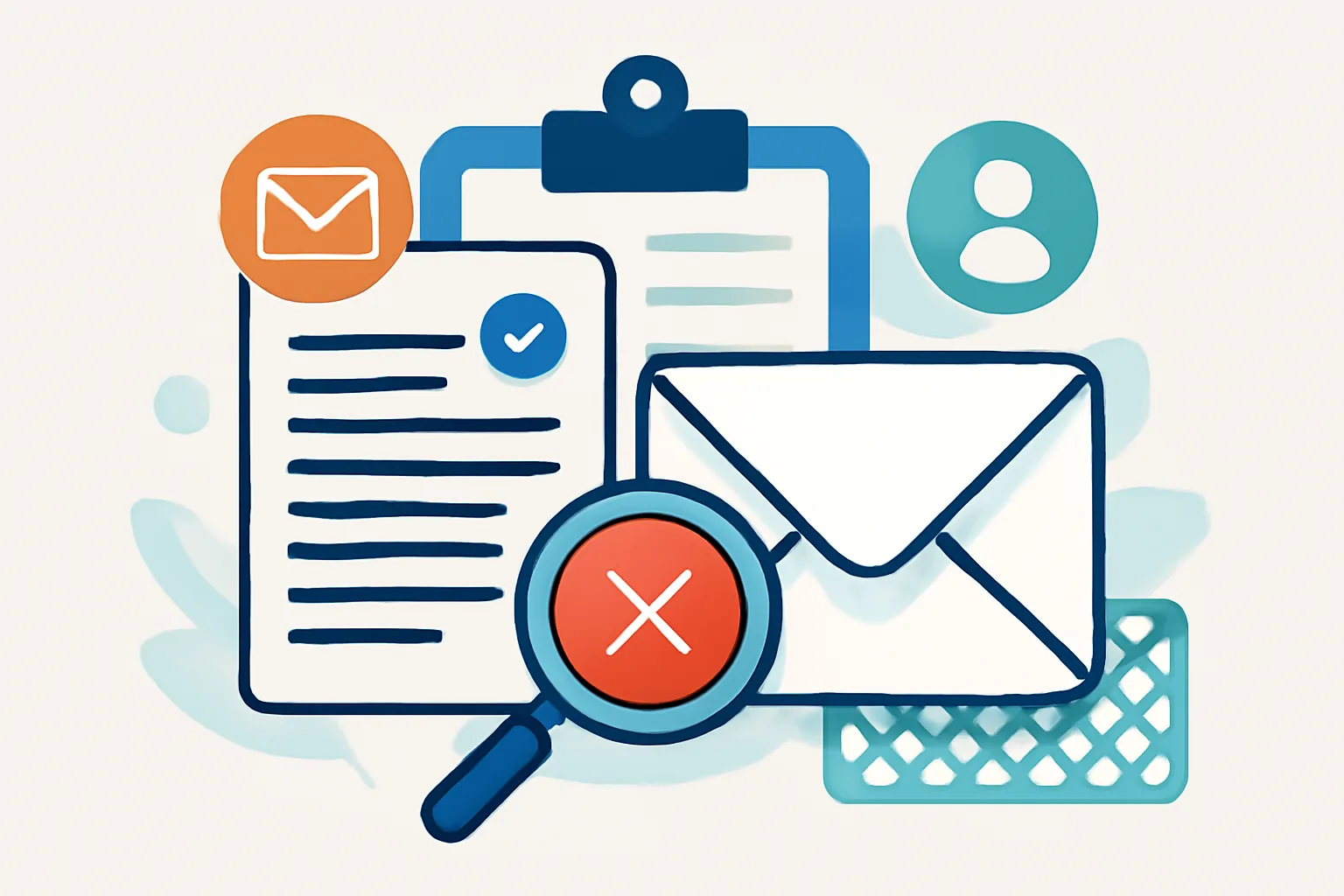
What an Email Suppression List Is and Why It Matters
An email suppression list is a record of contacts you must not email. That sounds simple enough, but in practice it plays a quiet, essential role in email operations. It protects people who have opted out, prevents repeat sends to bad addresses, and helps keep your sending reputation from drifting into trouble.
It is easy to confuse a suppression list with a normal mailing list, especially when both live inside the same platform. A mailing list is for people you want to contact. A suppression list is the opposite: a stop list. If a person appears there, your system should block them from future campaigns, even if they are still present in a CRM, product database, or old import file.
That distinction matters because email systems are rarely neat. A customer can unsubscribe from a newsletter, but remain active in your app. A transactional address can bounce once and later be corrected. A former lead can file a complaint after months of silence. Without a reliable suppression process, it is all too easy to accidentally send again, and that kind of mistake usually lands badly.
Suppression lists are also a practical deliverability tool. Mail providers pay attention to signals like complaints, repeated bounces, and unwanted mail patterns. If those signals are ignored, inbox placement can slip. In other words, suppression is not just a compliance box to tick; it is part of keeping your messages welcomed rather than tolerated. For a wider view of that side of email operations, it helps to read about email deliverability best practices alongside your suppression process.
Core Principles of Email Suppression List Management
Good suppression management starts with one basic principle: if an address has been marked as unusable or unwanted, that status should travel with it. Not just inside one campaign tool, but across the stack.
There are a few moments when a contact typically belongs on the suppression list:
- They unsubscribe from a marketing or subscription-based email stream.
- The address produces a hard bounce, meaning delivery is not possible.
- The recipient submits a complaint or marks the message as spam.
- Internal policy requires blocking a contact for legal, safety, or reputational reasons.
- An address is known to be fraudulent, abusive, or otherwise high risk.
The exact rules vary by organization, but the logic stays the same. Suppression records should be clear, current, and consistent. If you store only the address and nothing else, you may lose useful context. If you store too much, you may create privacy and retention issues. The middle ground is usually best: enough data to explain why the contact was suppressed, when it happened, and which system made the decision.
Clean records make the difference between a functioning safeguard and a pile of stale data. A suppression list full of duplicates, old imports, and half-finished updates is not reliable. It may look complete while quietly failing at the one job that matters. That is why suppression management should be treated as a living process, not a static spreadsheet.
Bounce and Complaint Handling: When to Suppress a Contact
Bounce and complaint handling is where many suppression policies either succeed or quietly fall apart. A bounce is not always a bounce, and the response should depend on what kind of bounce you received.
Hard bounces usually call for immediate suppression. These are the addresses that are invalid, nonexistent, or permanently unreachable. If your system keeps trying them, the only thing you gain is noise. Soft bounces are different. They can happen because a mailbox is full, a server is temporarily down, or the recipient infrastructure has a short-lived issue. A single soft bounce does not always justify suppression, but repeated soft bounces should trigger review.
Complaints are even more sensitive. When a recipient says, in effect, “I do not want this,” that signal should be processed quickly and consistently. Complaint feedback, whether received through feedback loops or another event stream, should place the contact on the appropriate suppression list immediately or after a defined internal check, depending on the message type and policy. Waiting too long is where trouble begins.
Ignoring these signals can damage inbox placement. More importantly, it can turn a preventable issue into a pattern. Send enough unwanted mail and the problem stops looking like an exception. It starts looking like behavior.
If you need a broader operational framework for handling these events, the guide on email bounce handling best practices is a useful companion, especially when bounce logic has to be coordinated with suppression rules.
Building a Reliable Suppression Workflow
A suppression workflow should do more than collect bad addresses. It should move information cleanly from the point where the signal is generated to the point where sending is blocked. That sounds obvious, but in real systems it is where a lot of gaps appear.
A practical workflow often looks like this:
- Capture the event at the source, such as an unsubscribe click, bounce notice, or complaint signal.
- Normalize the address and event type so records are comparable across systems.
- Write the event to a central suppression store with a timestamp and reason code.
- Sync the suppression update to every sending system, list manager, and CRM that can trigger email.
- Check the suppression state before any future send is queued.
- Log the decision so you can audit why a message was blocked or allowed.
The most common failure point is the sync step. A suppression event may be recorded correctly in one platform, but not propagated to another. Then a campaign export bypasses the latest status and the address gets mailed again. That is the kind of mistake that looks small in a dashboard and large in a complaint inbox.
For teams using event-driven infrastructure, webhook-based flows can make this much more reliable. If your email stack already uses delivery and engagement events, it is worth understanding how email webhook events for transactional emails can be used as part of a broader suppression and response system. The same event discipline that helps with delivery tracking can also keep suppression data timely.
One more practical point: suppression checks should happen before segmentation, not after. If you build a target audience first and then filter suppressed addresses as a final step, you risk wasted processing and accidental leakage into downstream tools. Start with the block list, then build the sendable audience around it.
Common Suppression List Mistakes to Avoid
Suppression management rarely fails because the concept is wrong. It fails because the operations around it are sloppy. A few common errors show up again and again.
Duplicate records are a classic problem. The same address may appear in multiple systems with slightly different formatting, or the same person may be stored under multiple IDs. If suppression is keyed inconsistently, one version gets blocked while another slips through. That is not a theoretical edge case; it is a routine source of confusion.
Delayed updates are another issue. If unsubscribe or complaint events sit in a queue for hours, a scheduled campaign can go out before the block is applied. In fast-moving systems, even a short delay can be enough to create avoidable risk.
Accidental reactivation is also worth watching. Contacts should not be restored to a sendable state just because a record was reimported, merged, or synced from a CRM. If a person is suppressed, that status should survive routine data movement unless there is an explicit, documented reason to change it.
Inconsistent handling across tools is probably the most frustrating mistake of all. One platform honors unsubscribes immediately, another only on the next sync, and a third treats complaint suppression as optional. That patchwork approach leads to unpredictable results and makes troubleshooting painful.
Finally, teams sometimes assume a suppression list is self-maintaining. It is not. Like any operational asset, it needs review. Old test data should be separated from real suppression events, and stale records should be cleaned only when policy allows. Careless cleanup can be as harmful as no cleanup at all.
Compliance, Consent, and Record-Keeping Considerations
Suppression lists sit at the intersection of compliance and customer experience. They help you respect consent, but they also create a record of how consent changed over time. That means the handling of suppression data should be deliberate.
Unsubscribe requests should always be honored promptly. If someone opts out, they should not continue to receive the category of email they opted out from. Depending on your sending model, that may mean suppressing the address globally or only for a specific stream. The important part is that the rule is clear and consistently enforced.
Legal retention needs can complicate things. Some organizations must retain evidence that a contact opted out, complained, or asked not to be contacted. Others need to minimize stored personal data as much as possible. The right balance depends on the jurisdiction, the business model, and internal policy. The safest approach is to keep only what you need to prove the suppression decision and support future enforcement.
Documentation matters too. If an address was suppressed because of a hard bounce, complaint, legal request, or manual review, record that reason. If a suppression was later reversed, document who approved it and why. When a dispute arises, that trail is often the difference between a quick answer and a lengthy reconstruction exercise.
Consent, in practice, is not just about what people agreed to receive. It is also about respecting what they no longer want. The suppression list is where that respect becomes operational.
Tools, Automation, and Best Practices for Ongoing Maintenance
The best suppression systems are not built on memory or heroics. They are built on tools that reduce manual handling and keep rules consistent across campaigns, automations, and product-triggered messages.
Most teams rely on some combination of ESP features, CRM flags, data warehouse rules, and automation workflows. The exact mix matters less than the integration between them. If a contact is suppressed in the email platform but still eligible in the CRM, you have a gap. If the CRM blocks a send but the broadcast tool does not know why, you have a support problem waiting to happen.
When evaluating tools, look for features such as:
- Centralized suppression storage with reason codes and timestamps.
- Real-time or near-real-time syncing between systems.
- API access for adding and checking suppression status.
- Segment-level and account-level suppression support.
- Audit logs that show who changed what and when.
- Workflow automation for unsubscribe, bounce, and complaint events.
Automation is especially valuable when you are dealing with multiple sending streams. Marketing email, product notifications, and operational mail often follow different rules, but they still need a shared view of suppression status. A customer who unsubscribes from one newsletter should not be surprised by a similar campaign from another team just because the data lived in a different tool.
Regular audits help keep the system honest. Check whether suppression events are being captured, whether sync jobs are failing, and whether addresses that should be blocked are still making it into send queues. It is also sensible to test the path periodically with sample records or controlled internal sends. Tools for these checks can be paired with the kinds of email deliverability test tools that teams already use to spot broader inboxing issues.
One useful habit is to define a maintenance calendar. Review duplicate suppression entries, confirm that event sources are still connected, and inspect any manual overrides. If a team has been relying on one person’s memory to keep the list accurate, that is not a process. It is a gamble.
In the end, suppression list management is mostly about discipline. Keep the data clean, move events quickly, honor the signal, and make every sending system ask the same question before it mails: should this address be contacted at all? If the answer is no, the system should not need a second opinion.
On this page
← All articlesOne click. It tells us what to write next.
No ratings yet — yours would be the first.
Comments
Comments are read before they appear.