Email Deliverability Test Tools
Learn how email deliverability test tools check inbox placement, spam risk, and authentication before you send important campaigns.
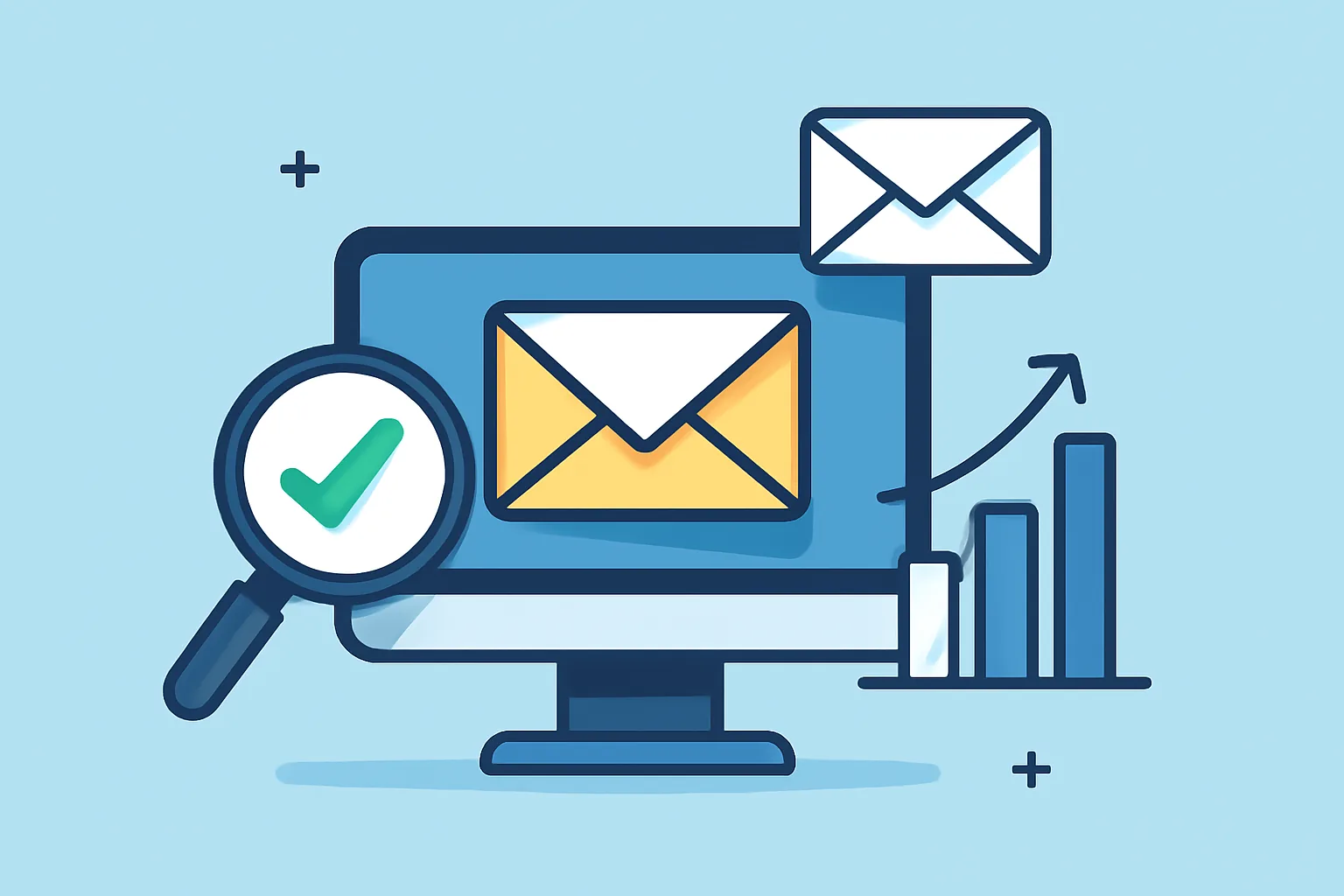
What Email Deliverability Test Tools Do
Email deliverability test tools help you answer a simple but expensive question: when you send a campaign, where does it actually land? Inbox placement is the goal, but the road there is never as straightforward as it looks, and a message can be technically sent, yet still end up in spam, promotions, or another folder that quietly drains attention.
These tools give marketers, founders, and email operators a way to inspect a campaign before it reaches a real audience. They can reveal whether your subject line looks risky, whether your message is likely to trigger filters, and whether your sending setup is giving mailbox providers enough trust signals. That matters for both promotional and transactional mail. A coupon email that disappears into spam wastes effort, and a password reset email that lands late, or not at all, creates friction and support tickets.
Good deliverability is not just about avoiding obvious spam words. It is about the whole environment around your email: domain reputation, authentication, list quality, content structure, link behavior, and the habits of your sending account. If you want a broader view of the foundations, this guide to email deliverability best practices is a useful companion piece.
In practice, deliverability test tools save time and reduce guesswork. Instead of waiting for a campaign report and hoping for the best, you can identify weak spots early and make changes before a send hurts your sender reputation. That is the real value: fewer surprises, cleaner sends, and a better chance that your emails are seen by actual people.
How an Inbox Placement Test Works
An inbox placement test is designed to simulate delivery across different mailbox providers and show where a message lands. Usually, you send your email to a set of test addresses, often called seed accounts, that live on major services such as Gmail, Outlook, Yahoo, and others, and the tool then checks whether the message arrives in the inbox, is filtered into spam, or goes missing altogether.
The value of the test lies in comparison. One provider may accept the email into the inbox, while another routes it to spam. That difference can tell you a lot about how various filtering systems interpret your message. Sometimes the problem is obvious, like weak authentication or suspicious links, and other times the issue is subtler, such as a body copy pattern that resembles bulk promotional mail too closely.
When reading the results, focus on patterns rather than a single outcome. A lone spam placement does not always mean disaster, but repeated poor results across several providers should be treated seriously. Likewise, a missing-folder result deserves attention. It may indicate a technical failure, a delay, or a message that was blocked before delivery.
Inbox placement testing is especially useful before a launch, a re-engagement campaign, or any send from a new domain, and it is also worth repeating after changes to infrastructure, templates, or audience targeting. Deliverability is not static; mailbox providers respond to behavior, and behavior changes over time.
What a Spam Score Checker Looks For
A spam score checker reviews the content and structure of your email for traits commonly associated with unwanted mail. These tools usually scan for a mix of wording, formatting, and technical signals. The goal is not to judge whether your email is “good” or “bad” in a moral sense, and it is to estimate how likely a filter is to treat it with suspicion.
Common checks include:
- Subject lines that feel overly promotional or urgent
- Body copy with aggressive sales language
- Excessive capitalization, punctuation, or emoji use
- Too many links, especially short or unfamiliar ones
- Broken HTML or messy formatting
- Image-heavy layouts with little supporting text
- Missing or weak authentication signals
Some tools also evaluate whether the email resembles phishing patterns, such as misleading button text, sketchy sender details, or domains that do not align properly. A few offer a score or grade.
The best way to use a spam score checker is not to chase a perfect score. That can lead to bland emails that please the tool but bore the reader. Instead, use it to catch obvious risks and structural problems. If a subject line feels fine to a human but scores poorly because it is packed with urgency and exclamation marks, that is a sign to soften it, and if a plain-text version is missing or links look inconsistent, fix those issues before sending.
In other words, the checker is a warning system, not a verdict.
Key Features to Compare in Email Deliverability Test Tools
Not every deliverability platform does the same job. Some are lightweight and focused on content analysis. Others go deeper into inbox placement, authentication, reputation monitoring, and reporting. When comparing tools, it helps to look beyond the headline feature and ask what you actually need for your sending volume and workflow.
Useful features often include:
- Seed testing across multiple mailbox providers
- Blacklist checks
- SPF, DKIM, and DMARC authentication checks
- Rendering previews for desktop and mobile clients
- Domain reputation signals
- Spam-filter content analysis
- Folder placement history over time
- Detailed reporting that can be shared with a team
Seed testing is particularly valuable when you want a quick view of inbox placement behavior, and blacklist checks matter when your delivery suddenly drops and you need to rule out a reputation problem. Authentication checks are essential because even the best copy in the world cannot rescue a poorly configured sending domain.
Rendering previews deserve more attention than they usually get. A message that looks polished in your editor may appear broken in a real inbox, especially on mobile. If buttons wrap awkwardly, images fail to load, or the layout falls apart, engagement suffers and filters may take note over time.
Reporting depth also matters. A tool that shows only a single score can be useful for quick checks, but a stronger platform helps you understand why something failed, which mailbox providers were affected, and whether the issue is isolated or repeated, and for teams managing different message types, that level of detail is often worth the extra effort.
How to Run a Reliable Deliverability Test
Reliable testing starts before you hit send. The point is not simply to run a tool, but to test a campaign that reflects how you actually send email in real life. If the setup is artificial, the results may be misleading.
A practical workflow looks like this:
- Clean the list segment you plan to send to. Remove obvious invalid addresses and avoid testing against a stale audience.
- Review the subject line and preheader. Read them aloud. If they sound too pushy, too vague, or too clever for their own good, revise them.
- Check the sender details. Make sure the from name, domain, and reply-to setup are consistent.
- Verify authentication and sending configuration before testing. If you are unsure about the technical side, it may be worth revisiting your setup or consulting an internal reference such as SMTP relay setup for transactional email.
- Run the inbox placement test with the actual HTML and text version you plan to use.
- Compare results across providers, not just overall scores.
- Make one or two changes at a time, then test again.
That last step is important. If you change the subject line, the formatting, the links, and the sending domain all at once, you will not know which fix helped. Controlled iteration produces clearer answers.
It is also smart to test more than once. A campaign that passes in one round may behave differently after a template update, a list change, or a shift in sending frequency, and deliverability is partly about consistency, and consistent testing helps you stay ahead of drift.
How to Read and Act on the Results
The results from an email deliverability test are only useful if they lead to action. Start by separating technical failures from content problems. If authentication is missing or broken, fix that first, and it is one of the few issues that can undermine every message you send, regardless of copy quality.
If the technical setup is sound, look at the content layer. Do the links look trustworthy? Is the design overloaded with images? Does the subject line sound like a promotion a filter has seen a thousand times before? Even small edits can change how a message behaves.
When a tool shows mixed placement results, do not assume the worst immediately. A message may land in the inbox for one provider and promotions for another. That can still be acceptable depending on your audience and goals, and a sales newsletter in Gmail promotions is not the same problem as a transactional password reset in spam. Context matters.
Here is a simple way to prioritize fixes:
- First, address authentication and domain alignment issues.
- Next, remove risky formatting, suspicious wording, and broken links.
- Then, review audience targeting and segmentation.
- Finally, re-test after each meaningful change.
If the problem persists after obvious fixes, look at your broader sending behavior. Reputation builds over time. Sudden volume spikes, weak engagement, and inconsistent audience quality can all affect placement. That is why deliverability should be treated as an ongoing practice, not a one-time technical chore.
And once you have improved something, test again. A small improvement in inbox placement can be meaningful, but only if it holds across repeated sends and different mailbox providers.
Common Mistakes That Hurt Deliverability
Many deliverability problems come from habits that seem harmless at first, and the trouble is that mailbox providers do not evaluate your email in isolation. They watch patterns. If your sending behavior looks careless or inconsistent, the system adapts accordingly.
One of the most common mistakes is poor list hygiene. Sending to old, inactive, or invalid addresses creates hard bounces and weak engagement signals. Over time, that can hurt your reputation. Another recurring issue is inconsistent sending behavior: one week quiet, the next week a sudden blast to a much larger audience. That kind of volatility can look suspicious.
Broken links are another easy-to-miss problem. A landing page that redirects strangely, a tracking link that fails, or a button that points to the wrong destination can damage trust and engagement, and the same goes for overused promotional language. Phrases that sound inflated in a subject line can be enough to trigger closer scrutiny, especially when combined with heavy graphics or minimal text.
Authentication problems remain a classic source of trouble. If SPF, DKIM, or DMARC are missing or misconfigured, mailbox providers have less confidence that your domain is legitimate. That does not guarantee spam placement, but it certainly does not help.
Other mistakes are more subtle:
- Sending from a brand-new domain with no warm-up period
- Using too many different link domains in one message
- Copying a template that looks polished but loads poorly in inboxes
- Neglecting the plain-text version of the email
- Ignoring complaints, unsubscribes, and low engagement signals
If you are seeing recurring issues, it may help to revisit the basics and tighten the whole sending system rather than chasing one symptom at a time, and a good deliverability workflow usually combines content review, technical checks, and audience discipline. That mix is less glamorous than a magic fix, but it is what works.
Choosing the Right Tool for Your Needs
The right deliverability tool depends on your stage, your volume, and how much detail you need. If you send occasional campaigns and mainly want a quick risk check, a lightweight spam score checker may be enough. It can catch obvious content problems and help you tidy up before sending.
If you manage a growing list, rely on email for revenue, or send important transactional messages, you will probably want a more advanced platform. Look for inbox placement testing, authentication checks, blacklist monitoring, and reports that help you compare results over time, and that broader view is especially useful when you need to explain a drop in performance to a team or client.
Budget matters too, of course. But the cheapest tool is not always the least expensive choice. If a basic checker misses a placement problem that later harms a launch, the hidden cost can be far higher than the software fee. On the other hand, a large enterprise suite can be overkill if you only need occasional pre-send checks.
A sensible approach is to match the tool to the decision you need to make. Ask yourself:
- Do I need a quick content warning, or a full inbox placement view?
- Do I send marketing, transactional, or both?
- How important is historical reporting?
- Do I need team-friendly exports or client-facing summaries?
- Will I actually use advanced features often enough to justify them?
If you are still building your email process, start simple and improve the workflow as your volume grows. If deliverability is already tied closely to revenue or product experience, choose a tool that gives you enough visibility to act quickly. Either way, the goal is the same: fewer blind sends, fewer surprises, and a better chance that your emails reach the place they were meant to go.
That, in the end, is what email deliverability test tools are for. Not perfection. Just a clearer route to the inbox, and a much better understanding of what gets in the way.
On this page
← All articlesOne click. It tells us what to write next.
No ratings yet — yours would be the first.
Comments
Comments are read before they appear.