How to Test SMS Delivery Status Callbacks
Learn how to test SMS delivery status callbacks with setup steps, delivery states, and webhook handling tips for reliable status tracking.
What SMS Delivery Status Callbacks Are
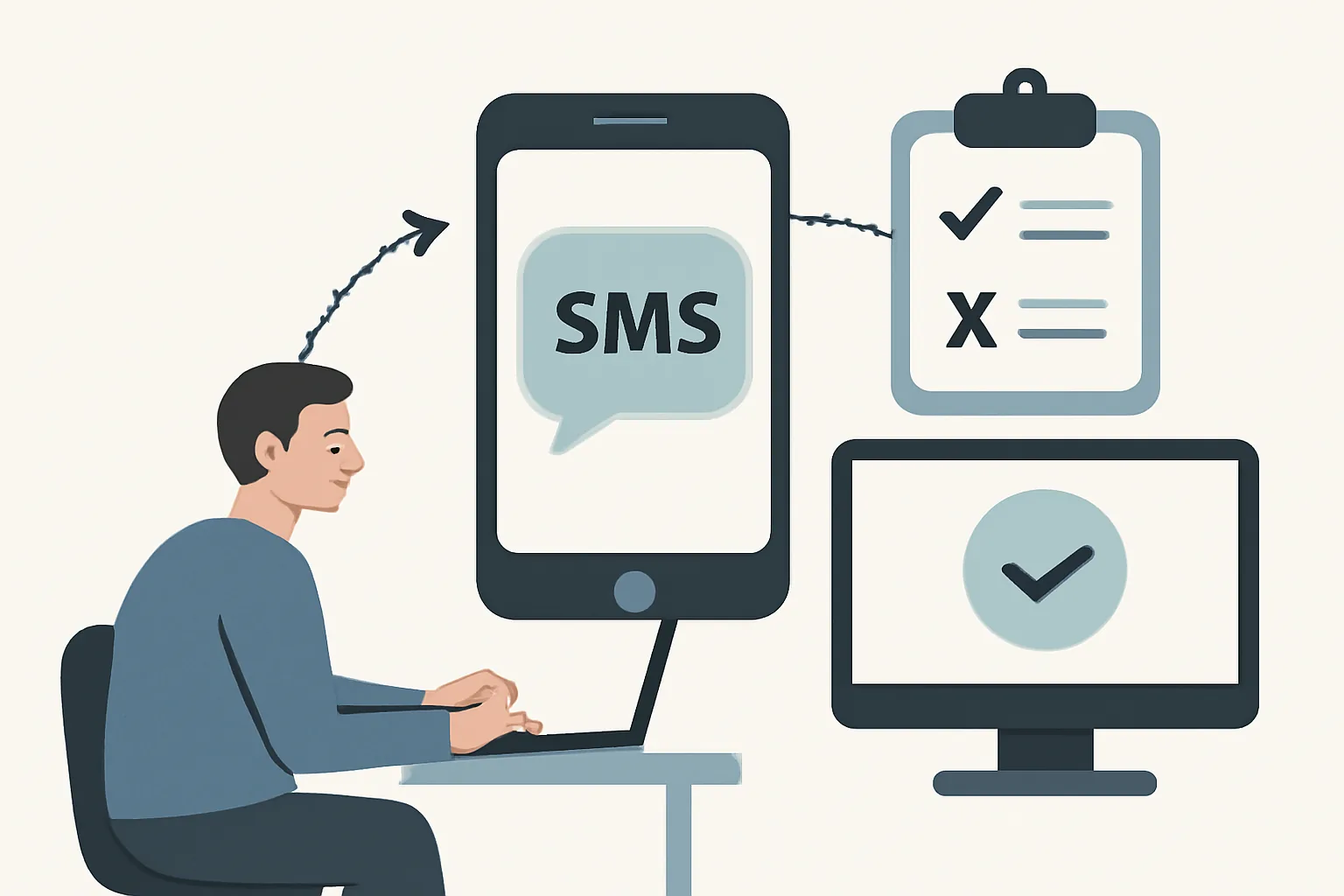
SMS delivery status callbacks are server-to-server notifications that tell you what happened after an SMS left your system. A send confirmation only says the message was accepted by the provider. A callback goes further and reports states such as queued, sent, delivered, failed, or undelivered.
That difference matters. A message can be “sent” and still never reach a handset. A callback may arrive seconds later, or it may arrive after a carrier delay of several minutes, depending on the route and the provider’s retry policy.
Think of a callback as the receipt trail, not the receipt itself. The API response from the send request usually proves the provider took the job. The callback proves what happened next, and that is the part you need to test if your app depends on status updates for alerts, receipts, or customer support workflows.
One practical detail: the callback is usually triggered by a status change, not by the original send request. If the provider sees a carrier response, a handset delivery report, or a failure from the network, it posts an HTTP request to your endpoint. If the message never moves beyond the provider queue, you may see only the early states.
Prerequisites for Testing Callbacks
You need four things before you can test SMS delivery status callbacks: an SMS provider account, a callback URL, access to server logs, and a test number. A phone you control is best. That keeps the test repeatable and avoids guessing about carrier behavior.
Have a public HTTPS endpoint ready, even if it only logs requests for now. Many providers refuse plain HTTP for callback delivery, and some test environments block private addresses. You also need a way to inspect request headers, body content, and response codes from your server.
Keep the provider dashboard open. You will compare message IDs, timestamps, and status events there. If your provider offers webhook replay or event history, turn that on before you start. It saves time later when a callback arrives twice or not at all.
If your SMS flow is part of a larger messaging system, it helps to review related event handling too, such as email webhook events for transactional emails. The mechanics are similar in one important way: your server must accept and verify event payloads quickly, then store them before a retry hits.
Step 1: Configure a Test Callback Endpoint
Create a dedicated endpoint for callbacks, such as /sms-status, rather than sending them into a general API route. A small, purpose-built endpoint makes testing easier because every request belongs to one job. You can log the raw body, headers, response time, and any parsing errors in one place.
Make the endpoint public and HTTPS. Use a certificate your provider trusts. If the provider cannot reach the URL, the callback will fail before your code even runs. That sounds obvious, but it is the first place many tests break.
Return a fast 200 response after the payload is saved. Do not wait on a database report or a downstream service call. A callback endpoint should acknowledge receipt first, then do any extra work after. A slow response can trigger retries, and retries make test results messy.
For a quick setup, you can write the raw request to a log file and print the body to the console. That is enough for the first test. Later, you can store rows in a table with fields like provider, message_id, status, received_at, and signature_header.
Step 2: Send a Test SMS With Callback Tracking Enabled
Use the provider API or dashboard to submit a test message and set the callback URL in the message request or account settings. Some providers call this a status callback, delivery receipt URL, or webhook endpoint. The label changes; the function does not.
Make sure callback tracking is enabled for the specific message. A send request can succeed without event delivery being active. If your provider supports per-message flags, set them explicitly so you are not relying on a default that may differ by account or environment.
Use your own test number. Send a short message first, such as a six-word alert. Short texts are easier to spot on a phone and easier to compare against provider logs. One extra character can matter if you are testing concatenation or encoding, so keep the first test plain.
If your stack already handles other webhook events, the same discipline applies. Teams that already follow email deliverability test tools · YourTrend often find SMS tests simpler, because the same habit helps: record the exact request, then compare it with the vendor side rather than trusting memory.
Step 3: Trigger Common Delivery States
Test more than one state. A single delivered message proves very little. You want to see queued, sent, delivered, failed, and undelivered so you know the callback path works under normal and unhappy conditions.
The easiest state to trigger is usually queued. Send a test SMS and watch the callback for the initial status. The provider may first mark the message as accepted, then update it once it leaves the queue. If you only capture the first event, your logic may miss the later transition.
To trigger failed or undelivered, use a number that is invalid, inactive, or not reachable on the carrier network, depending on your provider’s test rules. Some providers also offer sandbox numbers or simulation codes that force specific states. Those are handy because they reduce uncertainty.
Delivered is the state people care about most, but it is also the one you should not assume. The phone has to be reachable, the network has to return a delivery receipt, and the provider has to map that receipt into a callback. Three moving parts. One missed hop is enough.
Sent is not the same as delivered. A sent status often means the provider handed the message to the carrier or at least attempted delivery. If your business process starts a countdown from “sent,” you may be promising users something that has not happened yet.
Step 4: Validate the Callback Payload
Open the request body and check every field the provider promises. Message IDs should match the original send response. Timestamps should make sense in your account timezone or UTC, depending on how the provider formats them. Status values should stay inside the set documented by the provider.
Look at sender and recipient data. A test message sent from one number should come back with the same destination number in the callback, unless the provider masks or normalizes it. If the payload includes carrier codes, error reasons, or message direction, store those too. They become useful later when a customer says, “I never got it.”
Signature headers deserve real attention. Many providers sign callbacks so your server can confirm the request really came from them. Check the exact header name, the signature algorithm, and the shared secret or public key flow. If you skip verification during testing, you are not testing the same path you will use in production.
Use one validation pass for structure and one for authenticity. First confirm the JSON or form body parses correctly. Then confirm the signature or token matches what your provider expects. That two-step check catches both malformed payloads and spoofed requests.
| Field | What to check | Why it matters |
|---|---|---|
| message_id | Matches the send response | Lets you connect the callback to one SMS |
| status | Queued, sent, delivered, failed, or undelivered | Shows the current state |
| timestamp | Reasonable format and time zone | Helps order events correctly |
| from / to | Sender and recipient values | Confirms the right message |
| signature header | Present and valid | Confirms the request source |
Step 5: Compare Provider Logs With Your Webhook Logs
Now match the provider’s event history with the requests your server received. Use the message ID first. Then compare status, timestamp, and retry count. If one side shows three events and the other side shows two, you have a gap worth fixing before anyone calls it a production issue.
Provider dashboards sometimes group events by message and sometimes by request. Your own logs should be more exact. Record the HTTP method, status code returned by your server, the request body, and the arrival time to the second if possible. That gives you a clean line-by-line comparison.
If your provider offers exported logs, pull them during the same test window. A ten-minute delay between sends can make the log comparison easier. The point is not just to see that a callback arrived, but to prove that your server and the provider agree on which event happened and when.
For teams that already compare mail events, this feels familiar. The same habit used for email bounce handling best practices applies here: do not trust the happy path alone. Compare the vendor record, your intake record, and the final state your app stored.
Step 6: Troubleshoot Missing or Incorrect Callbacks
If the callback never arrives, start with the endpoint URL. Check spelling, protocol, port, and path. One stray character can send the request to nowhere. Then confirm the endpoint is reachable from the public internet, not just from your office network.
Timeouts are next. If your server takes too long to respond, the provider may retry or mark the callback as failed. Keep the handler short. Save the payload first, return 200, and process the rest later.
Firewall rules can block the request before your code sees it. So can IP allowlists, WAF rules, or basic auth that the provider cannot satisfy. If your endpoint needs authentication, confirm that the provider supports the exact method you chose. Some systems support a secret in the query string, others send an authorization header, and some do both.
Malformed JSON usually means the provider used a different content type than you expected, or your parser rejected a field shape you did not test. Inspect the raw body. Do not trust the prettified version alone. A missing comma in your own code can also make it look like the provider broke something.
Duplicate events happen more often than teams expect. A provider may retry after a timeout even if the first callback eventually completed. Your handler should accept the same message ID and status more than once without creating duplicate rows or duplicate alerts. Store idempotency rules in the test notes.
If signatures fail, compare the exact bytes that were sent against the bytes your verifier used. Character encoding, line breaks, and body parsing can change the result. That is one reason why how to test SMS delivery status callbacks needs a raw-request step, not just a parsed-object step.
Step 7: Confirm Production Readiness
Repeat the full test in staging or a production-like setup with real HTTPS, the same code path, and the same log destination. Use a live provider account if your test account behaves differently. A fake environment can hide certificate problems, DNS issues, or rate limits that only appear after deployment.
Document the expected callback behavior in one place. Note which statuses you expect, which ones trigger user notifications, and which ones should only update internal logs. If the provider sends retries after 30 seconds, write that down too. Future debugging gets faster when the team knows the expected delay.
Set a monitoring rule for missing callbacks. One simple check is to flag messages that remain in sent status longer than your normal window. Another is to alert when the callback endpoint returns anything other than 200 for more than 3 requests in a row.
If SMS status tracking is part of a broader messaging system, keep the same quality bar across channels. Teams often pair SMS tests with DKIM SPF DMARC setup for transactional for email, because both systems depend on identity checks, event delivery, and clear failure handling. One side fails quietly. The other fails loudly. Both deserve tests.
Last, save one known-good callback example in your internal docs. Include the request body, the signature header, the response code, and the provider event page. That single sample becomes your reference when a future release changes the payload shape or a carrier starts behaving differently.
On this page
← All articlesOne click. It tells us what to write next.
No ratings yet — yours would be the first.
Comments
Comments are read before they appear.