Email Unsubscribe Best Practices: A Practical Guide for Better Deliverability and Compliance
Learn email unsubscribe best practices for cleaner opt-outs, fewer complaints, and stronger deliverability with one-click flows and RFC 8058.
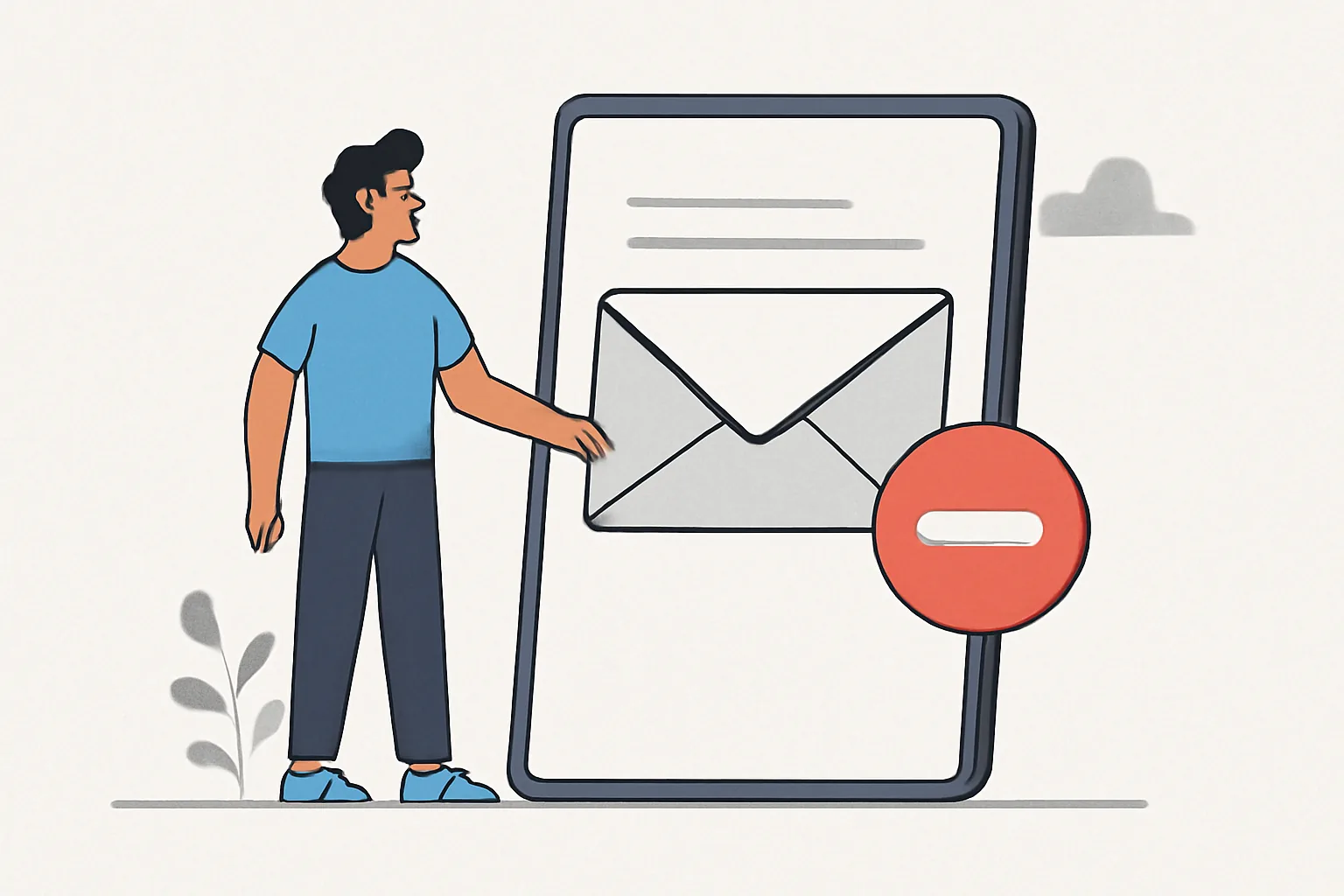
Unsubscribe links used to be treated as a formality, something tucked into the footer and forgotten. That approach no longer holds up. Today, a clean unsubscribe experience is part deliverability safeguard, part compliance requirement, and part basic respect for the reader. If someone wants out, the smartest move is to make that exit easy, obvious, and immediate.
That may sound counterintuitive to teams focused on growth. Why make it simpler for people to leave? Because hiding the exit rarely keeps people engaged; it usually pushes them toward a spam complaint instead. And that is a much worse outcome for everyone. A well-designed unsubscribe flow can reduce friction, protect sender reputation, and leave the remaining list in better shape. It also builds trust. People remember when a brand handles a small disappointment gracefully.
This guide covers the practical side of email unsubscribe best practices: what the experience should look like, why one-click unsubscribe matters, how RFC 8058 fits in, and the mistakes that quietly damage deliverability. If you already care about fundamentals like email deliverability best practices and bounce handling, unsubscribe handling belongs in the same conversation. It is one of those unglamorous systems that pays off most when it works smoothly.
What Email Unsubscribe Best Practices Mean Today
At its core, a good unsubscribe process gives recipients a fast, reliable way to opt out of messages they no longer want. That seems straightforward, but the details matter. “Unsubscribe” today is not just a link in a footer. It is the combination of message design, technical headers, processing logic, and post-click experience that tells a recipient: you are in control.
For marketers and product teams, the goal is not to keep every person forever. It is to keep the right people, and to let everyone else leave without friction. That distinction matters. A list full of reluctant recipients is not a healthy asset. It produces more ignores, more deletions, and more complaints. By contrast, a smaller list made up of people who actually want the email tends to perform better over time.
There is also a compliance angle. Depending on your region and audience, unsubscribe handling may be required by law or platform policy. But even where the legal details differ, the expectation is broadly the same: if a person asks to stop receiving messages, that request should be easy to make and promptly honored. No maze. No guilt trip. No “we’re sorry to see you go” page that somehow still makes them click through three more screens.
In practice, unsubscribe best practices mean designing for clarity, speed, and consistency. The link should be visible. The process should be predictable. The result should happen without delay. And the person should not need to remember a password from 2019 just to say goodbye.
Why Unsubscribe Links Reduce Complaints and Protect Sender Reputation
Spam complaints are one of the clearest signals that recipients feel trapped. When people cannot find an easy opt-out path, some will reach for the report-spam button instead. That is bad news for your inbox placement, your sending reputation, and the long-term health of the domain or IP used for mailings.
An accessible unsubscribe link gives people a better escape hatch. Rather than filing a complaint out of frustration, they can leave cleanly. This is not just theory; it is basic user behavior. If the exit is visible, most people will take it. If the exit is hidden, blocked, or delayed, some will choose the shortest path available to them, and that path often leads straight to the spam folder.
There is a second benefit that is easy to overlook: better list quality. A simple unsubscribe process filters out unengaged recipients sooner. That may feel like a loss in the moment, but it usually improves the quality of the remaining audience. Open rates, click rates, and overall engagement may become more meaningful because the list contains fewer people who stopped caring months ago but never found a graceful way out.
Teams sometimes worry that easier unsubscribe means more churn. Sometimes it does. But a clean opt-out is still preferable to a complaint, a block, or a user who keeps deleting every message in irritation. The point is not to resist all attrition. The point is to make sure attrition happens in the healthiest possible way.
If your program also relies on transactional and lifecycle email, remember that unsubscribe handling often sits alongside other trust signals such as authentication and sender reputation. For related technical groundwork, it is worth reviewing DKIM SPF DMARC setup for transactional. Good authentication will not fix a bad unsubscribe experience, but bad unsubscribe handling can still drag down a well-authenticated program.
One-Click Unsubscribe: How It Works and Why It Matters
One-click unsubscribe is exactly what it sounds like: a recipient can opt out with a single action, without logging in, confirming their email address, or navigating a multi-step form. In the best implementations, the user clicks unsubscribe, and the request is processed immediately. No detours. No bargaining.
This matters because mailbox providers have made unsubscribe easier to surface directly in the inbox. Many email clients now display an unsubscribe option near the sender details or message header, especially for bulk or promotional mail. That puts the choice in front of the reader before frustration builds. It also means your technical setup and your user-facing page need to align. If the inbox offers a one-click path but your backend turns it into a five-step ordeal, the experience feels broken.
From the recipient’s perspective, the appeal is obvious. They do not want another account to manage just to stop getting emails. They do not want to enter a password they forgot. They do not want to solve a puzzle. They want the mail to stop. Fast.
From the sender’s perspective, one-click unsubscribe can reduce complaint pressure and simplify the opt-out path. It also sends a signal that the brand is confident enough to let readers go. That confidence tends to read well. People notice when a company respects their time.
There is, however, a practical warning: one-click should still be implemented carefully. It should unsubscribe the correct mailbox or subscription without creating accidental removals or abuse vectors. You want low friction for genuine recipients, but you still need enough validation behind the scenes to prevent unintended changes.
RFC 8058 Explained: The Standard Behind One-Click Unsubscribe
RFC 8058 is the specification that supports one-click unsubscribe behavior for email. In plain language, it defines a safer and more standardized way for recipients to unsubscribe through a single action, usually via mail client interfaces or automated systems.
The specification works in tandem with the List-Unsubscribe header and the List-Unsubscribe-Post header. The first tells clients that an unsubscribe mechanism exists. The second provides a way to indicate that the unsubscribe action should be performed through an HTTP POST request rather than a simple mailto or web link flow. Together, these headers help mailbox providers identify messages that support modern unsubscribe handling.
Why does this matter? Because standards make behavior more predictable. Without a standard, every sender invents a slightly different flow, and every mail client has to guess how to present it. With RFC 8058, the process becomes more interoperable. That consistency helps both the sender and the recipient.
For senders, the implementation details usually live in the mail generation layer or sending platform. The important part is that the headers are correctly formed, the destination endpoint accepts the unsubscribe request safely, and the request is processed without unnecessary friction.
If you are building or maintaining the sending stack yourself, this is the point where engineering and deliverability meet. You may already be thinking about event handling, suppression logic, and message metadata. Those concerns overlap with topics like email webhook events for transactional emails, where reliable event processing is just as important as the initial send. Different system, same principle: handle the user’s action cleanly and record it accurately.
How to Build a Safe, Clear Unsubscribe Flow
A good unsubscribe flow starts before the click. Put the link where people expect it: in the footer, clearly labeled, easy to read, and not disguised in a block of legal text. Avoid making the link tiny or visually similar to the surrounding copy. If the reader has to hunt for it, the experience has already gone wrong.
The wording should be plain. “Unsubscribe” is usually enough. “Manage preferences” can be useful too, but only if it truly leads to a preference center rather than a trapdoor. If you offer multiple choices, make the distinction clear: opt out of all marketing emails, or adjust categories and frequency. Give people a real choice, not a loop.
The next step is processing. When someone unsubscribes, the change should happen immediately or as close to immediately as your system allows. Delays create risk. A user who clicks to unsubscribe expects the messages to stop. If they receive another email after opting out, they may not assume a timing issue; they may assume you ignored them.
For the confirmation page, keep it short and calm. You do not need to oversell the return, and you should not bury the action under a survey. A simple message confirming the unsubscribe is enough. If you want feedback, offer it gently and optionally. Never make it mandatory.
Preference centers can be useful, especially for brands with multiple content types. They let users reduce frequency, switch categories, or keep only product-critical updates. But a preference center should not be the only exit. Full unsubscribe must remain easy to find. When people ask to leave completely, respect that decision.
Finally, make sure the unsubscribe flow works without forcing a login. Some organizations still tie opt-out to an account page, which is a poor fit for email. The subscriber should not have to remember credentials just to remove themselves from a list. That extra step looks like resistance, and resistance is exactly what creates complaints.
Common Unsubscribe Mistakes That Hurt Deliverability
Some unsubscribe problems are obvious, such as a broken link. Others are more subtle and just as harmful. A hidden or barely visible link may technically exist, but if readers cannot find it quickly, they may treat the message as untrustworthy.
Another common error is making the process too complicated. Asking users to re-enter a password, confirm through multiple pages, or complete an unnecessary survey before opting out is a fast way to frustrate them. The purpose of unsubscribe is to reduce friction, not manufacture a UX case study.
Delayed processing is another quiet problem. If unsubscribes are batched and applied hours or days later, you risk sending mail to someone who already opted out. That can be enough to trigger complaints or, at minimum, a bad memory of your brand.
Confusing language also causes trouble. If your link says “stop receiving updates” but your confirmation page says the user has only reduced email frequency, expectations may no longer match reality. Keep the terminology consistent. If the recipient clicked unsubscribe, the system should act like an unsubscribe happened.
For teams managing multiple lists or campaign types, it is important to make sure the suppression logic is centralized and reliable. People who opt out should not keep appearing in another campaign stream because the systems do not talk to each other. That is where proper list hygiene comes in, and it is closely related to email suppression list management. Once a person has said no, your system should remember it.
One more mistake deserves a mention: treating unsubscribers like failed leads. Do not shame them, interrogate them, or make them prove their decision. A respectful exit does more for your brand than a clever retention tactic that leaves the user annoyed.
Testing and Maintaining Your Unsubscribe Process
Unsubscribe handling is not a “set it and forget it” feature. It needs regular checks, especially after template updates, sending platform changes, or backend refactors. A link that worked last month may fail after a page redesign or a new routing rule. This is boring maintenance, but it is the kind that prevents real damage.
Start with basic QA across devices and clients. Test the unsubscribe link in major email clients, on mobile and desktop, and in both dark and light environments if your email design depends on visual cues. Make sure the link is easy to tap, the page loads correctly, and the confirmation is understandable at a glance.
Also verify header support. If you are using one-click unsubscribe, check that the relevant headers are present and properly formed. Then confirm that the receiving endpoint processes the request as expected. A header that looks right in code but fails in practice helps no one.
Monitoring complaint patterns can reveal whether your unsubscribe experience is doing its job. If complaints spike after a campaign, ask whether the audience had a clear opt-out path. If recipients are still reporting spam even though the content is legitimate, the problem may be more about friction than about content quality.
It is also wise to audit the timing of suppression updates. Unsubscribe requests should be honored promptly, and the suppression state should be reflected across all sending systems. If one platform updates instantly while another lags behind, you can still send unwanted mail by accident. That is the kind of oversight that seems minor until the wrong person receives the wrong campaign.
Finally, document the process. The more people involved in content, operations, and engineering, the more useful it is to have a clear internal standard. Who owns the link? Who owns the endpoint? What happens if the preference center fails? What happens if a mailbox provider’s one-click request arrives? Clear answers reduce guesswork later.
Unsubscribe may not be the most exciting part of email operations, but it is one of the most revealing. A thoughtful process shows that you understand the relationship is voluntary. That understanding tends to improve everything else around it: deliverability, trust, and the quality of the list itself.
If your team is also tightening the rest of the sending stack, it can help to review the bigger system around the message, from authentication to inbox placement and sender reputation. The best email programs are rarely defined by one flashy tactic. They are shaped by a lot of careful, unremarkable details done well. Unsubscribe handling is one of them.
On this page
← All articlesOne click. It tells us what to write next.
No ratings yet — yours would be the first.
Comments
Comments are read before they appear.