Email Warm-Up Best Practices: How to Improve Deliverability and Build Trust
Learn email warm-up best practices to improve deliverability, strengthen sender trust, and boost inbox placement for new domains and mailboxes.
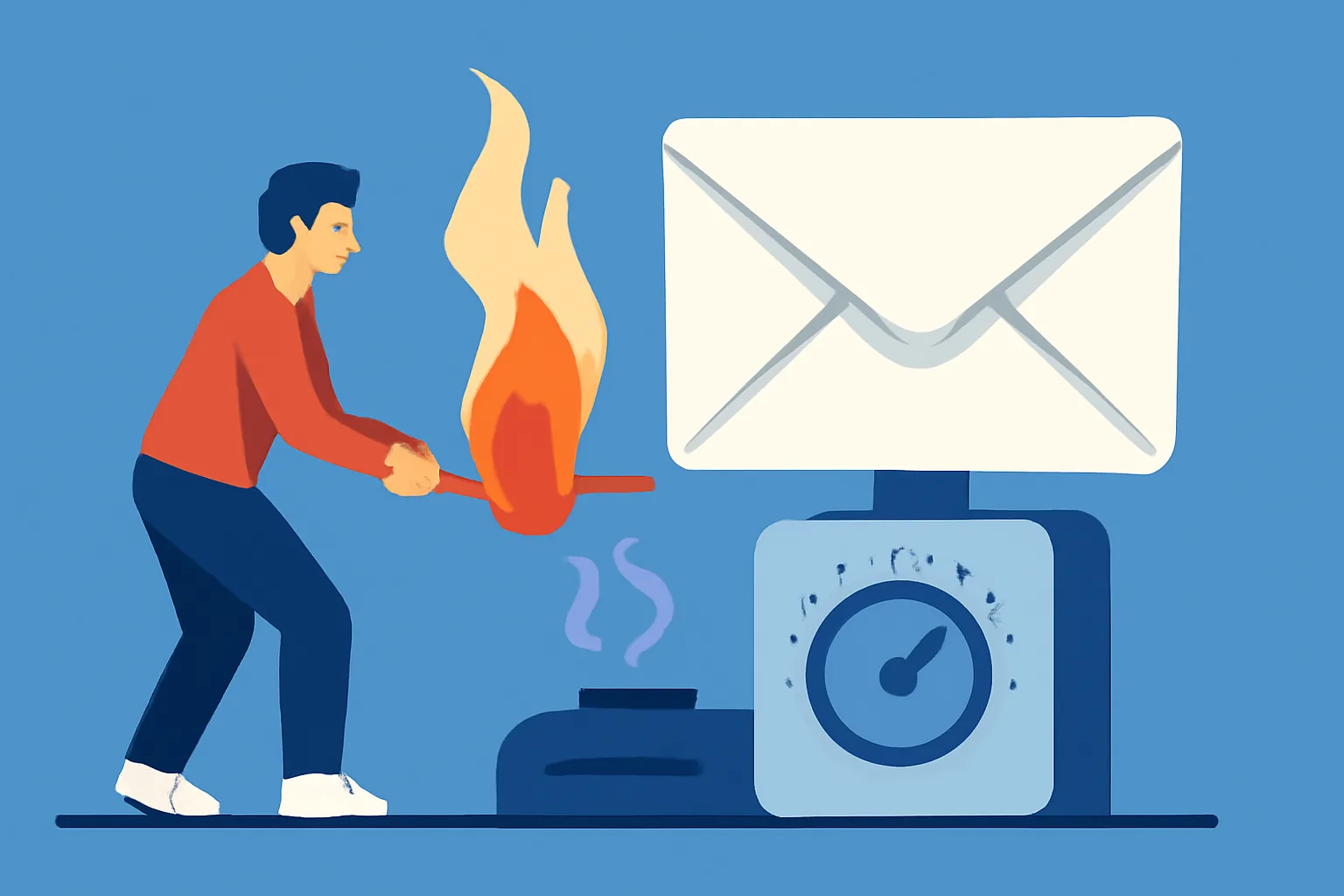
Email warm-up is one of those quiet but essential parts of email sending that people tend to notice only when something goes wrong. A new domain starts landing in spam. A freshly created mailbox gets flagged after the first bulk send. Replies slow down, open rates slip, and suddenly the problem is not the message itself, but whether anyone is seeing it at all.
That is where email warm-up best practices come in. Warm-up is the process of building sending trust gradually, rather than asking inbox providers to accept a large volume from an unproven sender on day one. Done well, it gives your domain and mailbox time to establish a steady pattern, gather positive engagement, and reduce the odds of looking suspicious. If you want the broader technical picture, it also helps to understand email deliverability best practices, because warm-up works best as part of a larger deliverability strategy, not as a standalone trick.
What Email Warm-Up Means and Why It Matters
Email warm-up is the gradual increase of sending activity from a new or reset domain, mailbox, or IP address. Instead of sending a large campaign immediately, you begin with a small, controlled volume and expand as mailbox providers observe consistent behavior. The point is not just volume. It is predictability.
Mailbox providers watch for signs that a sender behaves like a legitimate sender. That includes stable sending patterns, low complaint rates, healthy engagement, and proper authentication. If those signals are weak or absent, the provider has little reason to place your messages prominently. Warm-up helps fill in that gap.
This matters especially for new brands, new subdomains, or teams switching email infrastructure. A domain that has never sent before has no history. A mailbox that suddenly starts reaching out to dozens or hundreds of recipients can look automated or risky. Warm-up reduces that shock to the system and gives your sending identity time to earn trust.
There is also a practical side to it. When you warm up carefully, you get a chance to spot problems early. Maybe authentication is misconfigured. Maybe a list has too many dead addresses. Maybe the copy triggers spam filters more often than expected. It is much easier to fix those issues when the sending volume is still small.
Sender Reputation: The Core Signal Behind Deliverability
Sender reputation is the hidden score that shapes how mailbox providers treat your mail. It is not a single number you can see in a dashboard, but rather a collection of signals that together influence whether your message lands in the inbox, the promotions tab, or the spam folder. In many ways, warm-up is reputation-building in slow motion.
Several factors tend to affect sender reputation. The first is recipient engagement. When people open, reply, click, or move your email into a primary folder, that is a positive signal. The opposite is also true: deletes without reading, spam complaints, and ignored messages can drag reputation down.
List quality matters just as much. Sending to old, purchased, scraped, or stale lists is a quick way to create bad signals. Hard bounces tell providers that your data is poor. Complaints suggest that people do not want your mail. Even if only a small portion of recipients react badly, the pattern can still hurt the whole sending identity.
Authentication and domain consistency also shape reputation. If your brand sends from one domain, one mailbox name, and one identity one week, then changes everything the next, providers may not know what to make of it. A warm-up plan supports a strong reputation by making your sending pattern look deliberate, normal, and stable.
That stability pays off over time. Once a sender has a healthy reputation, new campaigns usually have a better chance of reaching the inbox quickly. Without that foundation, every send becomes a gamble. This is why warm-up is not just for launch week; it is an investment in long-term inboxing.
Inbox Placement: How Warm-Up Influences Where Your Emails Land
Deliverability and inbox placement are related, but they are not quite the same thing. Deliverability asks whether the email was accepted by the receiving server. Inbox placement asks where it ended up after delivery. Did it land in the primary inbox, promotions, updates, or spam?
Warm-up improves the odds of favorable placement by building a pattern of positive behavior. If recipients engage with your early messages, mailbox providers infer that your mail is wanted. If the messages are ignored, deleted, or reported, the system gets a different impression. In other words, inbox placement is not random. It reflects your sending history.
Many senders focus only on whether a message was sent successfully, but that is only the start. An email that reaches the inbox is more likely to be seen, read, and acted on. An email that goes to spam may technically be delivered, yet functionally it disappears.
Warm-up does not guarantee the primary inbox, and anyone who claims otherwise is overselling the process. Placement depends on many signals, including content, recipient behavior, and overall reputation. Still, careful warm-up can shift the odds in your favor. It helps your domain look like a sender with real relationships, not a machine testing the boundaries.
If you are planning a broader infrastructure change, it can also help to review DKIM SPF DMARC setup for transactional. Authentication does not replace warm-up, but it strengthens the trust signals that warm-up is trying to build.
Step-by-Step Warm-Up Plan for New Domains and Mailboxes
A good warm-up plan should be simple enough to follow and cautious enough to avoid mistakes. The exact volume schedule will vary depending on your use case, your list quality, and how mailbox providers respond, so any timing guidance should be treated as a framework rather than a fixed rule.
1. Start with the most engaged contacts
Begin by sending to people most likely to interact. Internal team members, recent customers, and highly engaged subscribers are safer than cold or old contacts. You want early sends to generate positive replies, opens, and clicks, not silence.
2. Keep the message style consistent
Use a stable sender name, subject pattern, and general content approach. A sudden shift from plain transactional copy to promotional language can look inconsistent. Early in the process, consistency matters more than creativity.
3. Increase volume gradually
Each increase should be modest enough that the sending pattern still looks natural. Avoid big jumps. A mailbox provider should see a sender that grows like a real business, not like a list upload event. If engagement remains healthy, you can continue ramping up. If it drops, pause and review.
4. Space sends predictably
Regular cadence is useful. Sending a small batch every day often looks safer than sending a tiny batch one day and then nothing for a week. Inconsistent activity can make the warm-up process less effective, especially for brand-new domains.
5. Monitor responses closely
Warm-up is not a set-it-and-forget-it task. Watch what happens after each send. If complaints rise, bounce rates increase, or replies become sparse, slow down. The goal is to build trust, not to force volume.
For teams managing application mail, it can be useful to pair warm-up with the right sending architecture. If your product sends through an application layer, SMTP relay setup for node.js is a useful companion read, especially when you need consistency across environments.
Some teams also separate transactional and promotional traffic. That separation can protect important system mail from the behavior of marketing campaigns. It is a small architectural choice that often saves a lot of trouble later.
Email Authentication and Technical Setup Before You Start
Warm-up will not compensate for a weak technical foundation. Before sending anything meaningful, make sure your authentication is in place. SPF, DKIM, and DMARC help mailbox providers verify that your messages are legitimate and that your domain is aligned with the sending systems you are using.
SPF tells receiving servers which mail sources are allowed to send on your behalf. DKIM adds a digital signature so the message can be verified. DMARC ties those pieces together and gives domain owners policy control and reporting visibility. If these records are missing or misconfigured, warm-up becomes harder because every message starts with an avoidable credibility problem.
Also check the basics that often get overlooked. Is the From address consistent? Are reply-to settings correct? Are tracking domains aligned? Is your mailbox ready to receive responses? Are your links and branding coherent with the sender identity? These details may seem minor, but during warm-up they matter more than usual.
If you are unsure whether the groundwork is solid, a deliverability audit can help. Tools and diagnostics are not glamorous, but they can reveal authentication gaps or routing issues before you start scaling. The right email deliverability test tools can save a lot of guesswork here.
Engagement Signals to Monitor During Warm-Up
During warm-up, recipient behavior is your best feedback loop. Mailbox providers use engagement signals to decide whether your messages belong in the inbox, so you should pay attention to the same events.
Opens can be useful, though they are not the whole story and may be affected by privacy features. Replies are often stronger signals because they suggest a real conversation. Clicks can help too, especially when they come from genuine interest rather than accidental taps. The more natural the engagement, the better.
Bounces deserve close attention. Hard bounces indicate invalid addresses and poor list hygiene. Soft bounces may reflect temporary issues, but they still deserve monitoring if they happen frequently. Complaints are even more serious. A complaint says the recipient did not want the message, and mailbox providers take that seriously.
Unsubscribes are not automatically bad. In fact, they can be healthy if they prevent complaints. A small unsubscribe is often preferable to a spam report. For that reason, it is useful to make opting out straightforward. If you need a broader refresher on list hygiene and recipient preference management, you may also find email suppression list management relevant.
Think of these signals as a dashboard for trust. If replies and clicks are rising while complaints and bounces stay low, warm-up is likely moving in the right direction. If not, the problem may be list quality, content, cadence, or authentication.
Common Warm-Up Mistakes That Hurt Deliverability
The biggest warm-up mistake is usually impatience. Someone creates a new domain and immediately sends a large blast because the list is ready and the campaign is planned. That is exactly the sort of behavior providers are trained to scrutinize. Sudden spikes can make even legitimate mail look risky.
Poor list quality is another common failure point. Warm-up should never begin with stale leads or unverified addresses. If the early sends hit a pile of inactive recipients, the engagement pattern will look weak from the start. Recovering from that is much harder than avoiding it in the first place.
Inconsistent sending behavior is also dangerous. If you send daily for a few days, pause for two weeks, and then return with a much larger batch, you interrupt the trust-building process. Providers like patterns that make sense. A sender that behaves erratically can be treated with caution.
Another mistake is ignoring infrastructure warnings. Broken authentication, bad tracking links, or domain misalignment may not block every message, but they can weaken the signals warm-up depends on. Likewise, overly promotional copy in the first few sends can trigger filters or reduce engagement.
One more subtle issue: warming up one mailbox while the rest of the team sends recklessly from the same domain. Reputation can be shared across mail streams. If other mail streams are noisy, they can damage the progress you are trying to make.
Ongoing Maintenance: Keeping Reputation and Inbox Placement Healthy
Warm-up is not a one-time ritual. Once the initial phase is complete, the work shifts to maintenance. Your goal becomes preserving reputation, staying consistent, and responding quickly if performance changes.
Monitor delivery behavior regularly. Watch for changes in bounce rates, complaint trends, engagement drops, and inbox placement shifts. A healthy sender can still drift if list quality declines or sending habits change too quickly. Small issues often appear before major ones, if you are paying attention.
It also helps to keep your sending habits steady. Sudden volume spikes, seasonal bursts, or a flood of inactive recipients can undo months of careful work. If you need to increase output, do it with the same patience you used during warm-up. Treat growth as a continuation of the process, not a separate phase with different rules.
List hygiene should remain part of routine operations. Remove hard bounces quickly. Suppress addresses that never engage after repeated attempts. Give recipients clear ways to unsubscribe. These are not just compliance items; they are reputation management.
Finally, revisit your setup whenever you change something material. New subdomain, new sending tool, new IP, new product flow, new template structure — each one can affect deliverability. For transactional systems that rely on consistent event tracking, the mechanics of messaging matter as much as the content, which is why guides like email webhook events for transactional emails can be useful when you are refining the surrounding workflow.
The simple truth is that trust is easier to maintain than to rebuild. Email warm-up best practices are really trust-building habits: send carefully, keep the technical foundation clean, pay attention to recipient behavior, and resist the temptation to rush. Do that, and you give your messages the best possible chance of reaching the inbox where they belong.
On this page
← All articlesOne click. It tells us what to write next.
No ratings yet — yours would be the first.
Comments
Comments are read before they appear.