Why transactional emails go to spam
Learn why transactional emails go to spam, from authentication and reputation to content, links, and recipient engagement.
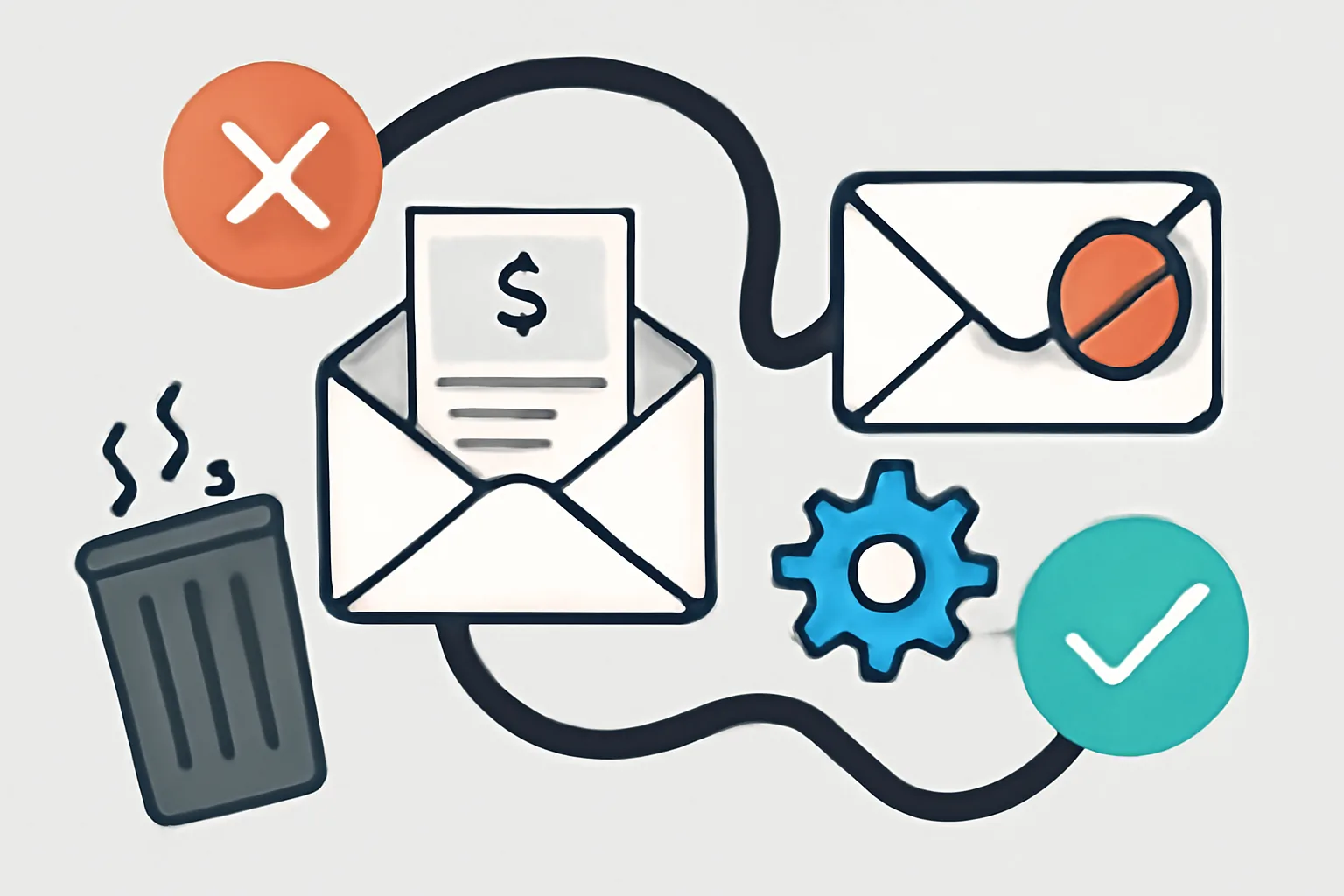
What makes a transactional email get flagged as spam?
Transactional email is supposed to be the easy one: a password reset, a receipt, a shipping update, a verification code. Mailbox providers do not see it that way every time. They look at sender identity, domain history, message structure, link behavior, and how recipients react. A single weak signal rarely decides the outcome, but 3 or 4 weak signals together can push a message out of the inbox and into spam.
That is why the question of why transactional emails go to spam usually starts with trust. A provider such as Gmail or Outlook is asking a simple question: does this sender act like a legitimate system, or like a sender that appears only when something needs to be pushed fast? If the answer is unclear, the filter gets cautious. Very cautious.
Two common triggers show up early. One is authentication that is missing or inconsistent. The other is sender behavior that looks unfamiliar, such as a new domain sending to thousands of people on day 1. Even if the message is honest, the mailbox provider may not give it much credit yet.
Content matters too. A payment notice with 7 links, a huge hero image, and urgent sales language does not look like a clean receipt. It looks like a trap. That impression is enough to raise the spam score.
Can missing email authentication send transactional emails to spam?
Yes, and this is one of the first things to check. SPF, DKIM, and DMARC tell mailbox providers whether a message is really allowed to come from your domain. If those records are missing, broken, or misaligned, the message can still leave your system, but it may arrive with a poor reputation attached.
Think of it as an identity check. SPF confirms which servers may send for the domain. DKIM signs the message so changes can be detected. DMARC tells the receiving system what to do when SPF or DKIM fail. When one of these pieces is off by a small technical detail, the message can fail authentication even though the team believes it is configured correctly.
That mistake is common after a provider migration or a template change. A company updates its sending platform, keeps the same visible From address, and forgets that the new service needs its own DKIM record. The result can be a sudden drop in inbox placement, especially for first-time recipients who already have little reason to trust the sender.
If you need a practical reference for the setup itself, see email authentication setup for transactional email and the more specific DKIM SPF DMARC setup for transactional. Both matter when the issue is not the message body but the way the message proves who sent it.
Authentication does not guarantee inbox placement, but without it, the odds get worse. Much worse.
Does sender reputation matter for transactional email deliverability?
Sender reputation matters every time. Mailbox providers build a history of how your domain and IP behave. If a sender has steady traffic, few complaints, and consistent authentication, it builds trust. If it suddenly sends a burst of mail, hits spam traps, or generates complaints, that trust drops fast.
A reputation issue often appears after a quiet period. A product launches, an app grows, or a team changes its sending volume from 500 messages a day to 50,000. The provider notices the shift. It also notices whether users open the mail, delete it, ignore it, or mark it as spam. Those actions are part of the sender score, even if nobody on the marketing team sees them in a dashboard.
IP reputation can be shared or dedicated. Shared IPs can inherit problems from other senders, which makes the situation tricky. Dedicated IPs give more control, but they also require warm-up and consistent volume. A dedicated IP that sends 10 messages one day and 100,000 the next can look suspicious. The provider does not care that the spike came from a legitimate launch. It cares that the pattern changed.
For a deeper operational checklist, email deliverability best practices is a useful companion piece. Reputation is not a single number in a vacuum. It is built from volume, complaints, bounces, and regularity, all on the same timeline.
One bad week can hurt. Three can linger.
Can the email content itself make a transactional message look like spam?
Yes. A transactional email can be perfectly legitimate and still look like a phishing attempt if the content is sloppy. Spam filters scan for wording, layout, formatting, and the general shape of the message. A message stuffed with urgency, threats, or promotional phrases often gets treated with suspicion.
Examples are easy to spot. “Act now,” “limited time,” and “click here immediately” do not belong in a password reset. Neither do all-caps lines, too many exclamation marks, or a subject line that sounds like a marketing blast. The filter does not need to prove intent. It only needs to see patterns that resemble spam.
HTML structure matters too. Broken tags, missing plain-text alternatives, or a layout that depends on one oversized image can hurt deliverability. Image-heavy emails are especially awkward when the text is too thin to explain the message. If the only readable part is a logo and a button, the mail can look suspicious at first glance.
Links are part of the same problem. A clean receipt usually needs 1 or 2 links, not 12. Every extra click path adds risk, and every redirect adds another chance for a filter to pause. Shortened links are a bad fit for most transactional email because they hide the final destination. That is a small design decision with a real consequence.
Templates should also stay consistent. If your brand usually sends plain text order notices and one day sends a glossy promotional template, the change can disturb mailbox trust. The message may still be valid, but it no longer looks like the sender recipients are used to seeing.
Why do recipient engagement and user actions affect spam placement?
Mailbox providers watch what recipients do after delivery. Opens, deletes, replies, moves to inbox, marks as spam, and even the speed of those actions all feed the model. A transactional email that gets ignored 20 times in a row will gradually look less welcome than one that gets opened within minutes.
This is one of the less visible reasons why transactional emails go to spam. A sender may have good DNS records and clean code, yet still land in spam because people do not want the message. If users repeatedly delete the email without reading it, the provider learns that the mail is not useful to that audience.
Spam complaints are even stronger. One complaint is not always fatal, but a pattern of complaints tells the provider the message is unwelcome. That happens when an address is used for mixed purposes, or when the sender includes promotions inside a receipt. The customer thinks, “I asked for an invoice, not a sales pitch.”
There is also the problem of low interaction after signup. A brand that sends a welcome email to 10,000 people but gets almost no opens may not be trusted for the next transaction either. Engagement is not just a marketing metric here. It is part of the delivery path.
When complaints or user reactions look off, email suppression list management · YourTrend can help keep risky addresses out of future sends. That is not glamorous work, but it prevents repeat damage.
Are technical issues with links, formatting, or tracking causing the problem?
Often, yes. Technical mistakes can make a transactional message look fake even when the copy is fine. A malformed link, a broken tracking domain, or a mismatch between the visible brand and the actual destination can trigger spam filters or security warnings.
Tracking is a common culprit. Open tracking alone is usually not the issue; the problem starts when click tracking rewrites every link through a domain that the recipient does not recognize. If the tracking domain is new, poorly configured, or unrelated to your sending domain, the message may look risky. Redirect chains can deepen that suspicion. A link that bounces through 4 different domains before landing on the final page is asking for trouble.
Formatting can also break on the recipient side. A payment email that renders well in one app but collapses in another can seem broken or incomplete. Some providers interpret messy HTML, invisible text, or odd spacing as a sign of bulk mail. The content may be legitimate, but the code tells a different story.
There is a simple test here. If the message looks odd in a plain-text viewer, it probably looks odd to a filter too. That is not a perfect rule, but it catches many bad templates before they reach customers.
For practical testing, email deliverability test tools · YourTrend can help identify whether the problem is content, authentication, or links. A test report will not fix the issue on its own, but it often shows which door is closed.
How can you stop transactional emails from going to spam?
Start with the basics and do not skip the boring parts. Authenticate the domain with SPF, DKIM, and DMARC. Keep the sending domain consistent. Use a branded From name that users recognize. Make sure the reply-to address exists. Those 4 steps remove a surprising amount of risk.
Next, clean up the message itself. Keep the subject line plain and specific. A shipping notice should say shipping notice. A receipt should say receipt. Avoid pressure language, excessive punctuation, and promotions that do not belong in the transaction. A clean transactional email does not need to sound clever.
Then look at traffic patterns. Warm up new IPs or new domains slowly. Do not send 100,000 messages from a fresh setup on the first day. Keep volume steady when possible, because mailbox providers trust regular behavior more than sudden spikes. If traffic must rise quickly, monitor complaint and bounce signals every day, not every week.
It also helps to separate transaction types. Password resets, receipts, and account alerts should not share the same stream as newsletters or promotional campaigns. Mixed streams can blur reputation and make it harder to diagnose a problem later. One sender, one purpose. That rule saves time.
Use tests before large sends. If one provider is rejecting your mail, compare results across Gmail, Outlook, and Yahoo. A test on 3 providers tells you more than a guess. When the same pattern appears in all 3, the issue is probably systemic rather than random.
For teams with code access, email webhook events for transactional emails can help connect bounces, complaints, and delivery events back to the source system. That feedback loop matters because a hidden bounce problem can poison reputation long before anyone notices the inbox issue.
Keep records of changes. A DNS update, a new template, or a revised tracking domain can change deliverability overnight. If the drop began after one specific edit, revert that change first. Clean investigation beats guesswork.
When should you check with your email service provider or IT team?
Bring in your provider or IT team when the problem looks like infrastructure rather than content. If SPF passes in one environment but fails in another, if the DKIM signature breaks after a platform switch, or if a dedicated IP suddenly starts landing in spam after a DNS change, the fix is usually on the technical side.
Ask for help if the sending volume is normal but delivery collapses across multiple mailbox providers. That pattern suggests an IP issue, a routing issue, or a policy issue at the sender level. It can also point to a misconfigured SMTP relay, especially if the application was recently moved or rewritten. If that sounds familiar, see what SMTP relay means for node.js for the configuration concepts that often get missed.
Provider-side logs are also useful when bounces spike or when complaints appear without a clear cause. Sometimes the mailbox provider will show a specific rejection reason. Sometimes it will not. Either way, the team controlling the DNS records, sending IPs, and relay path needs to be in the loop. Otherwise the same mistake gets repeated in the next release.
One last check belongs with support when deliverability drops after a regional or domain migration. New sending infrastructure can be clean but unknown, and unknown infrastructure gets treated with caution. That caution is normal. The fix is to prove legitimacy with good setup, steady volume, and correct authentication, then keep watching the results as the system settles.
On this page
← All articlesOne click. It tells us what to write next.
No ratings yet — yours would be the first.
Comments
Comments are read before they appear.