How to Send SMS and Email from the Same Contacts List
Learn how to send SMS and email from the same contacts list with clean data, consent checks, segmentation, and matching messages.
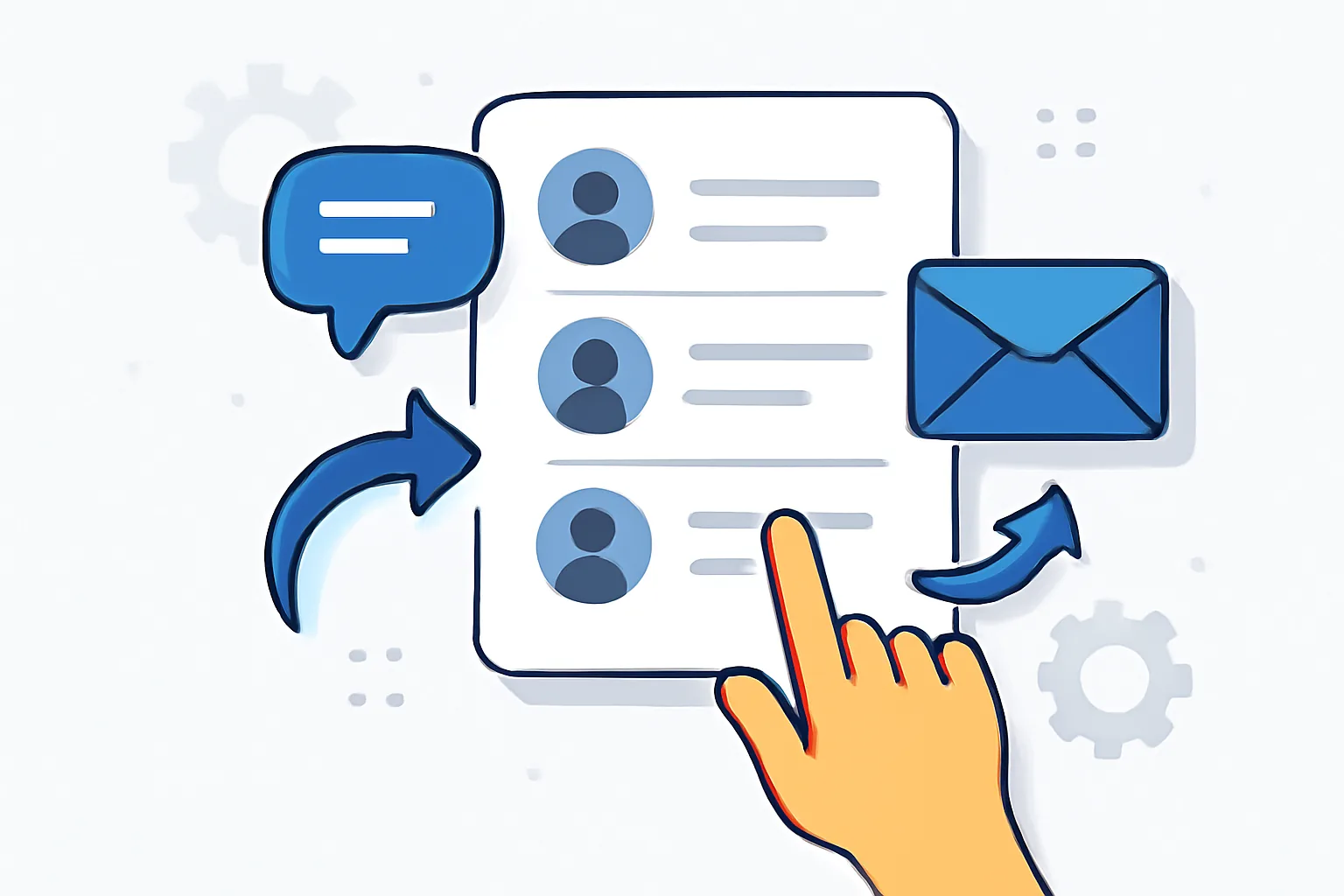
One contacts list can do more than people expect. If you are trying to figure out how to send SMS and email from the same contacts list, the real win is not just convenience; it is having one place where names, phone numbers, email addresses, and consent records live together. That cuts duplicate entry, which matters the first time a sales rep updates a number at 4 p.m. and the marketing team needs the same change before 5 p.m.
The basic idea is simple. A shared list keeps outreach consistent across two channels, so the same promotion, reminder, or service update reaches people in the format they prefer. It also makes handoffs cleaner. One support agent can see the full contact record. One marketer can segment it. One missed update does less damage.
1. Understand the goal and use case
Start with the use case, not the tool. A shared contacts list works well for appointment reminders, webinar follow-ups, order updates, renewal notices, and event promotions. In each case, the same person may need an email for detail and an SMS for speed. A dental office is a good example: the appointment confirmation can go by email, while the same-day reminder goes by SMS.
This setup also helps teams keep messages aligned. If the subject line says “Your session starts at 2:00,” the SMS should not say “Next week’s event.” Small mismatches create confusion. They also create support tickets. Nobody likes those.
A shared list is not for every campaign. If your SMS audience is tiny and your email audience is broad, one list may still work, but only if you have clear tags for consent and preference. Without those tags, you are just building a larger mess.
2. Check your contact data for SMS and email readiness
Before sending anything, inspect the fields in the list. At minimum, you need a name, phone number, email address, consent status, and a few segmentation tags. Some teams also add timezone, source, last purchase date, or language. Those fields sound boring. They save time later.
Phone numbers need a format you can trust. Email addresses need to be valid and current. Consent needs to be stored in a way that shows what was agreed to, when it was agreed to, and for which channel. If you can’t answer those three questions, pause. Fix the list first.
A practical example: a retailer may have a contact who opted in to promotional email at checkout, but never consented to SMS marketing. That person can still receive a receipt email or a service email if the rules allow it, but not a marketing text. One contact, two channels, two sets of permissions.
Basic segmentation tags make the whole process easier. Tags like “new lead,” “VIP,” “abandoned cart,” or “event attendee” let you send different SMS and email versions from the same contacts list without rebuilding the list every time. That is the point.
3. Choose a platform that supports both channels
Not every platform is built for this. The right tool should store one contact database, send SMS and email from that same record, and let you manage consent at the contact level. It should also support automation, because manual sends across two channels become messy fast, especially once you reach 200 contacts or more.
Look closely at list management features. Can you import phone and email fields together? Can you map custom fields cleanly? Can you segment by behavior, location, or opt-in status? If the answer is no, the platform may be fine for one channel but awkward for both. Awkward tools cost hours.
Compliance features matter too. You want suppression handling, unsubscribes, and audit trails. You also want channel-specific rules. For example, an email opt-out should not automatically mean SMS opt-out unless the contact asked for both. That distinction is easy to miss and expensive to ignore.
If deliverability is part of your plan, read about email deliverability best practices before you send high-volume campaigns. For setup details, many teams also review email authentication setup for transactional email so the shared list does not become a shared inbox problem later.
4. Clean, organize, and segment the contacts list
Duplicates are the first cleanup task. If one person appears twice with two emails and one phone number, your campaign results will be noisy. Remove duplicates, or merge them carefully. Then standardize formats. Use the same country code pattern for phone numbers. Use lowercase email addresses. Keep date fields in one format.
Now group contacts by preference or behavior. A person who clicks email links often but ignores SMS should not receive the same cadence as someone who replies to texts. A person who buys once a quarter should not sit in the same segment as a weekly buyer. Segments make the contacts list useful instead of merely large.
There is a practical side to this. A nonprofit may want one segment for event donors, another for volunteers, and a third for lapsed supporters. Each group can receive both SMS and email, but not the same message or timing. One list. Three messages. Less confusion.
Suppression lists belong here too. If someone opted out of SMS, that choice should block SMS sends but not necessarily email sends. If someone unsubscribed from email, keep that record separate. For help with the mechanics, see email suppression list management · YourTrend. One bad export can cause real damage, so this step deserves a manual check.
5. Create matching SMS and email message versions
SMS and email should carry the same offer or update, but they should not sound identical. SMS has limited space, so it needs short copy, one clear action, and a link only if it earns its place. Email can hold more detail, a stronger explanation, and a second call to action if needed. That difference matters.
Here is a simple structure. The SMS says: “Your appointment is tomorrow at 2 p.m. Reply C to confirm.” The email expands it with location details, parking notes, and a reschedule link. Same message. Different depth. No one should have to guess which channel they are reading.
For promotions, the rule is similar. SMS might say, “Sale ends tonight: 20% off shoes. Shop now.” Email can show the featured products, the terms, and a short FAQ. A long email with a tiny SMS can work well because each channel does the job it does best.
Do not copy and paste the same sentence into both. That usually wastes one channel. Instead, write a paired message. If you need the SMS to be time-sensitive and the email to be explanatory, keep both on the same topic and let each format breathe.
6. Set up the campaign or automation
The workflow usually starts with one trigger. A signup, purchase, event registration, or missed renewal can pull the contact from the same list and start a path with two channel options. The platform then decides whether to send email, SMS, or both based on consent, segment, and timing rules.
A common setup looks like this: new lead enters the list, waits one hour, gets an email, and then receives an SMS only if the email was not opened or the contact has a “SMS preferred” tag. That is one example, not a law. You can reverse the order for urgent alerts, where SMS goes first and email follows with details.
Automation needs guardrails. Set send windows so texts do not go out at 11:30 p.m. in the recipient’s timezone. Set delays so the same person does not receive three messages in ten minutes. Set branch logic so a contact who already converted exits the workflow instead of getting a reminder they no longer need.
If your workflow depends on transactional data, the handoff should be clean. Many teams pair this with email webhook events for transactional emails when they need reliable triggers from signups, receipts, or account actions. That keeps the contacts list tied to real events rather than guesswork.
7. Test, monitor, and improve performance
Test before you send to the full list. Preview the SMS on a real phone if you can. Open the email in at least two clients. Check that personalization fields show the right name, the right offer, and the right link. A single broken merge tag can make a campaign look sloppy in under 5 seconds.
Then monitor the metrics that fit each channel. For email, look at opens, clicks, bounces, and unsubscribes. For SMS, look at delivery, replies, link clicks, and opt-outs. The same campaign may perform well in email and poorly in SMS, or the other way around. That is useful information, not a failure.
Timing is another place to improve. A reminder SMS may work better 2 hours before an appointment than 24 hours before. An email may perform better the day before, when it can carry more detail. Test one variable at a time if you want a clean answer. Changing message, segment, and send time all at once gives you noise.
If your email metrics look strange, compare them against email deliverability test tools · YourTrend. If replies or complaints spike, review email bounce handling best practices too. Small fixes in a contacts list can lift results more than a clever subject line.
8. Stay compliant with consent and opt-out rules
Consent is not a decorative field. SMS and email often have separate permission rules, and the contacts list should reflect that clearly. A person may agree to receive emails but refuse texts. Another may accept service messages but reject promotions. Store those choices separately, and check them before every send. If you are asking how to manage consent for SMS and email, the answer is to track permissions by channel and update them consistently.
Every channel needs a working opt-out path. Email needs an unsubscribe link. SMS needs a clear stop mechanism, often through reply keywords or a platform-specific control. If someone opts out, honor it quickly. Waiting until the next campaign is a bad habit. In some places, it is also a legal problem.
Keep records of the opt-out action, date, and channel. That detail protects the business and the contact. It also helps customer support answer questions without guessing. If a person says they never unsubscribed, you should be able to check the record and answer with facts.
Use a compliance review step before launch. Confirm the audience, the message type, the consent status, and the sender identity. A shared list can make outreach easier, but only if the rules stay separate where they need to stay separate. A clean contacts list, a clear workflow, and the right permissions make the difference. A shared contacts list for SMS and email works best when each channel’s consent and suppression rules are maintained carefully.
| Check | SMS | |
|---|---|---|
| Consent stored | Yes, per channel | Yes, per channel |
| Opt-out method | Reply or control link | Unsubscribe link |
| Message length | Short, direct | Longer, detailed |
| Best use case | Urgent reminders | Explainers and follow-ups |
One last practical check: keep the contacts list tidy enough that anyone on the team can answer “who can receive what?” without opening six tabs. That is the real test of how to send SMS and email from the same contacts list, and it starts with the record you keep on the very first contact.
On this page
← All articlesOne click. It tells us what to write next.
No ratings yet — yours would be the first.
Comments
Comments are read before they appear.