Bulk Email Sending Best Practices: A Practical Guide
Learn bulk email sending best practices to improve deliverability, protect reputation, and send relevant campaigns that people actually open.
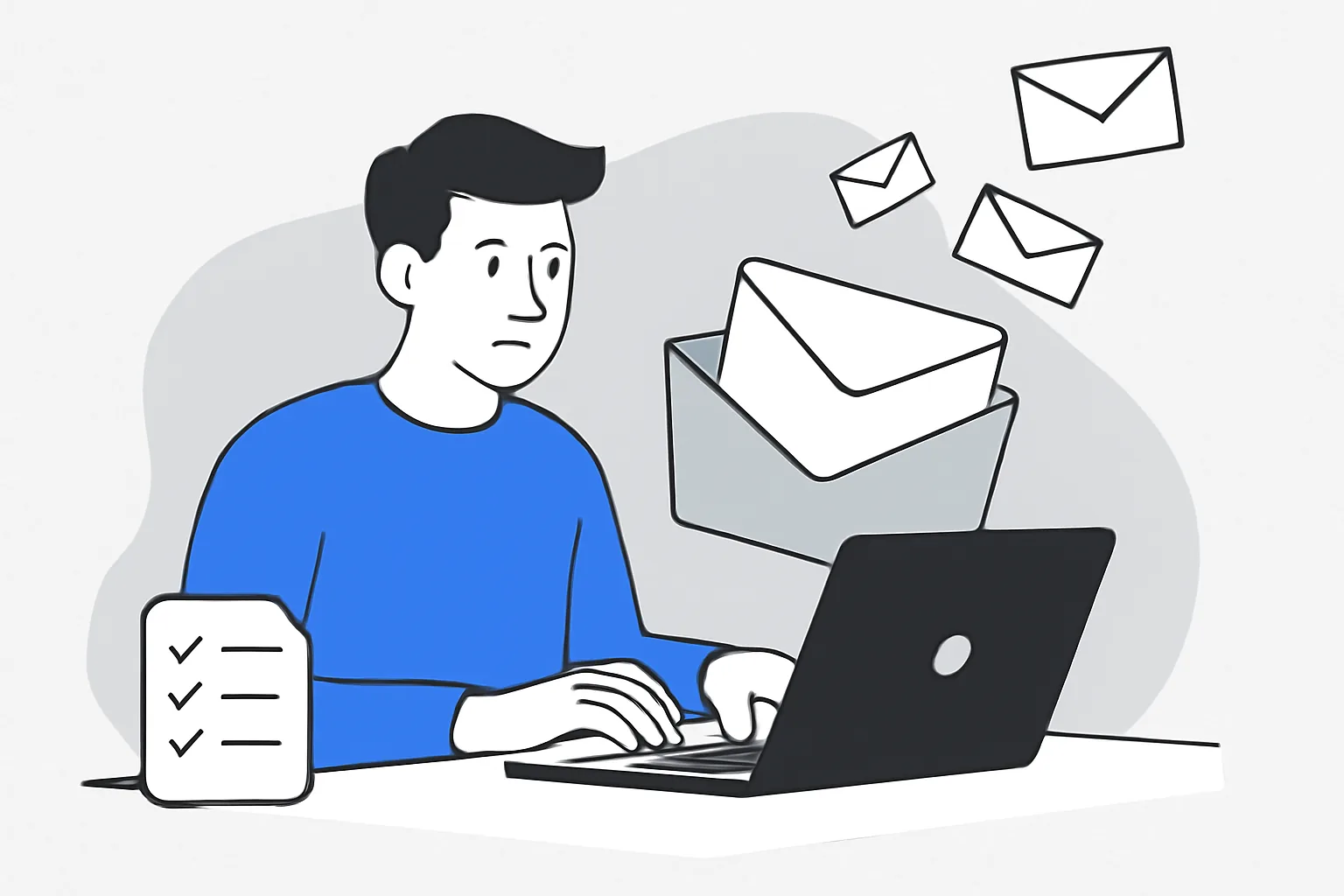
Bulk email sending can be simple in theory and messy in practice. One button sends 10,000 messages; the real work starts after that. If those emails miss inboxes, annoy readers, or damage sender reputation, the campaign fails fast.
This is where bulk email sending best practices matter. They shape who gets the message, what the message says, and whether mailbox providers trust the sender. Good bulk email sending is not about volume alone. It is about permission, timing, relevance, and the small technical details that keep a campaign from landing in spam.
1. What Bulk Email Sending Is and Why Best Practices Matter
Bulk email sending means sending one campaign to a large audience at once, usually with one message sent to many recipients. That could be a product announcement, a newsletter, a seasonal offer, or a reminder for inactive users. The format is broad, but the goal is always narrower than it looks: reach the right people and get them to act.
Mailbox providers watch behavior closely. If too many recipients ignore a message, mark it as spam, or bounce, the sender starts to look risky. Then delivery drops. A campaign that reaches the inbox for 90% of one list may drop much lower for the next send if the list is stale or the subject line feels deceptive. Numbers move quickly here.
Good bulk email sending also helps the sender stay compliant. Consent, unsubscribe options, and honest sender information are not decorative details. They are the difference between a message that feels expected and one that feels like junk. Small issue. Big effect.
A practical approach keeps the email program steady. Test before sending to the full list. Keep the message clear. Watch the response after each send. Bulk email sending works best when every campaign teaches the next one something useful.
For teams that want a broader technical foundation, email deliverability best practices are a useful companion read, especially if the same domain sends both marketing and transactional mail. The rules overlap more than people expect. One sloppy campaign can make the next campaign work harder.
2. Build a Permission-Based Email List
A bulk email list should begin with permission, not with a purchased database or a scraped spreadsheet. People who asked to hear from you are far more likely to open, click, and stay subscribed. People who never asked are far more likely to complain. That is a short path to trouble.
The cleanest list growth starts with clear opt-in points: signup forms, checkout checkboxes, webinar registration, event signups, and account creation flows. Each one should tell subscribers what they will receive. A monthly newsletter is not the same as daily promotions. If the promise is vague, the complaints usually arrive later.
List hygiene matters just as much as list growth. Remove hard bounces. Pause people who have not engaged for a long time. Confirm that role-based addresses such as info@ or support@ are not filling your list with low-value contacts. The list may look smaller after cleanup, but the send becomes healthier.
Sending only to engaged subscribers can improve campaign performance. That makes intuitive sense because people who open regularly are less startled by a message. Still, the real win is not only better complaint management. It is better performance on the next campaign.
Unsubscribe handling also belongs here. If someone opts out, the request should be processed immediately. For a deeper look at list controls, see email suppression list management · YourTrend and why email unsubscribe best practices matter. Both matter on send day, not after the fact.
One more detail: do not confuse permission with enthusiasm. A person may consent to receive emails and still ignore most of them. That is normal. A respectful list keeps those contacts without pressuring them every week.
3. Segment Your Audience for Relevance
Segmentation turns one large list into smaller, more relevant groups. A clothing retailer might separate men’s and women’s buyers. A software company might group trial users, active customers, and lapsed customers. A nonprofit might split donors from event attendees. The message changes because the context changes.
Behavior is often a better signal than demographics. Someone who clicked pricing pages last week does not need the same message as someone who has not opened an email in six months. A segment based on activity, purchase history, or lifecycle stage usually beats one broad send. One size rarely fits.
Relevance pays off in plain ways: more opens, more clicks, fewer unsubscribes. The audience can spot a generic send in seconds. A subject line that speaks to a specific action or interest feels less like a broadcast and more like a note that was meant for them.
Good segmentation does not need 20 categories. Three or four useful groups can be enough. Start with the most obvious dividing lines, such as engaged vs. inactive, new leads vs. customers, or region-based timing. Complexity for its own sake only slows the team down.
If behavior data drives your campaigns, it helps to connect email actions back to your stack. The article on email webhook events for transactional emails shows how event data can be used to follow what happened after send. That same habit makes segmentation cleaner over time.
Segmentation also improves the sender’s judgment. A campaign to 500 interested contacts may outperform a campaign to 50,000 mixed contacts, even though the second number looks bigger. Bigger is not always better. Sometimes it is just louder.
4. Write Emails That Encourage Opens and Clicks
Subject lines carry a lot of weight. Keep them honest, specific, and short enough to read on a phone. “Your October invoice is ready” works better than “A quick message for you” because the reader knows what to expect. Surprise is expensive.
Preview text matters too. It should add information, not repeat the subject line. If the subject says “New launch inside,” the preview can explain the offer, deadline, or benefit. A good pair of lines gives the recipient two reasons to open instead of one vague tease.
Inside the email, one clear message usually works better than three competing ones. If the goal is to drive a click, say so early. If the goal is to explain a policy change, keep the first screen focused on that single point. Readers skim quickly. Very quickly.
Calls to action should be direct. “Download the guide,” “Book a demo,” and “See the full collection” are easier to act on than abstract phrases like “Learn more.” One email. One job. If there are two jobs, the click rate often suffers.
Plain language still wins. Short paragraphs, one idea per block, and a visible next step make the email easier to read on mobile screens. There is no prize for sounding busy. A clear sentence can do more than a clever one.
Subject line testing is worth the effort, especially across similar audiences. A retail brand might test a price-led subject against a benefit-led subject. A B2B team might compare a direct request with a curiosity-led line. The result is often subtle, but subtle differences matter in bulk email sending.
5. Protect Deliverability with Technical Setup
Technical setup gives mailbox providers a reason to trust the sender. SPF, DKIM, and DMARC help prove that the email really came from the domain it claims to represent. Without them, even a well-written campaign can hit friction. The message may be fine. The authentication may not be.
Domain alignment matters here. If marketing email, transactional email, and internal alerts all leave through different systems, the sender should know which domain signs each message and how reputation is shared. One broken setup can affect the rest. For a deeper technical reference, see DKIM SPF DMARC setup for transactional and email authentication setup for transactional email.
Sender reputation is built over time. A new IP or domain needs a measured warm-up. Sudden high-volume sends from a cold sender are a bad signal. Even a legitimate campaign can look suspicious if volume jumps from 200 emails to 20,000 in one afternoon. Mail systems notice patterns.
Inbox placement also depends on bounce handling. Hard bounces should be removed, and repeated soft bounces should be watched closely. For practical cleanup steps, email bounce handling best practices give a useful framework. Broken addresses are not just dead weight; they can weaken future sending.
If a team wants to check how messages appear across providers, the article on email deliverability test tools · YourTrend can help before a large send. That extra test is cheaper than fixing a campaign after it lands badly.
Technical work is not glamorous. It is, however, the part that keeps the email program from drifting. A polished campaign with missing DNS records still fails. A plain campaign with clean authentication often does fine.
6. Control Sending Frequency and Volume
Frequency can make or break trust. If a subscriber hears from a sender every day without asking for that pace, fatigue sets in fast. The same audience may enjoy one well-timed email per week and resent three in the same morning. Cadence matters.
Volume should also be planned, not improvised. A list of 100,000 contacts does not always need one giant blast. Split sends can help teams watch early response and catch problems before the full audience is affected. That is especially useful when the list is new or the content is high-stakes.
A consistent schedule teaches subscribers what to expect. A newsletter every Tuesday is easier to recognize than random bursts. Consistency supports recognition, and recognition supports trust. Trust is quiet, but it pays.
High frequency can also drive unsubscribes, complaints, and lower engagement. If a segment has not interacted in 90 days, consider reducing send rate or changing content before increasing volume again. Pushing harder usually does not fix fatigue. It usually deepens it.
Some teams use a send calendar that separates launches, promotions, and lifecycle messages. That prevents one campaign from crowding another. A launch email on Monday, a reminder on Wednesday, and a final note on Friday may be enough. More is not always smarter.
For product or app teams, the sending pattern should also consider how the audience receives related messages elsewhere. If push and email arrive at the same time, the result can feel noisy. The article on web push notification best practices is useful if those channels share the same audience. Two channels. One person.
7. Monitor Results and Continuously Improve
Every campaign should leave behind a trail of data. Opens, clicks, bounces, unsubscribes, and complaints each tell a different story. A high open rate with low click activity may mean the subject line worked but the content did not. A low open rate may point to timing, sender recognition, or poor inbox placement.
Watch the numbers by segment, not only by campaign. A message may perform well for active customers and poorly for inactive leads. That split matters. It tells you where the campaign is strong and where it needs a different angle.
Complaints deserve special attention. Even one bad campaign can reveal a list problem, a frequency problem, or a message mismatch. If complaints rise after a specific send, compare the audience, the subject line, and the offer. The cause is usually visible in one of those three places.
Clicks are especially useful because they show intent, not just exposure. Opens can be noisy and sometimes incomplete, but clicks are harder to fake. Look at which links receive attention, which sections get ignored, and whether the call to action is too far down the page. Small layout changes can change the outcome.
Testing should be part of the process, not a separate project. Try one variable at a time: subject line, send time, offer, or content length. If you change five things at once, you will not know which one helped. Simple testing beats guesswork.
Bulk email sending works best as a cycle. Build the list carefully, send the right message, keep the technical setup clean, and review the numbers after each campaign. Then adjust the next send by one real lesson, not by instinct alone. That habit is what keeps bulk email sending from becoming guesswork.
On this page
← All articlesOne click. It tells us what to write next.
No ratings yet — yours would be the first.
Comments
Comments are read before they appear.